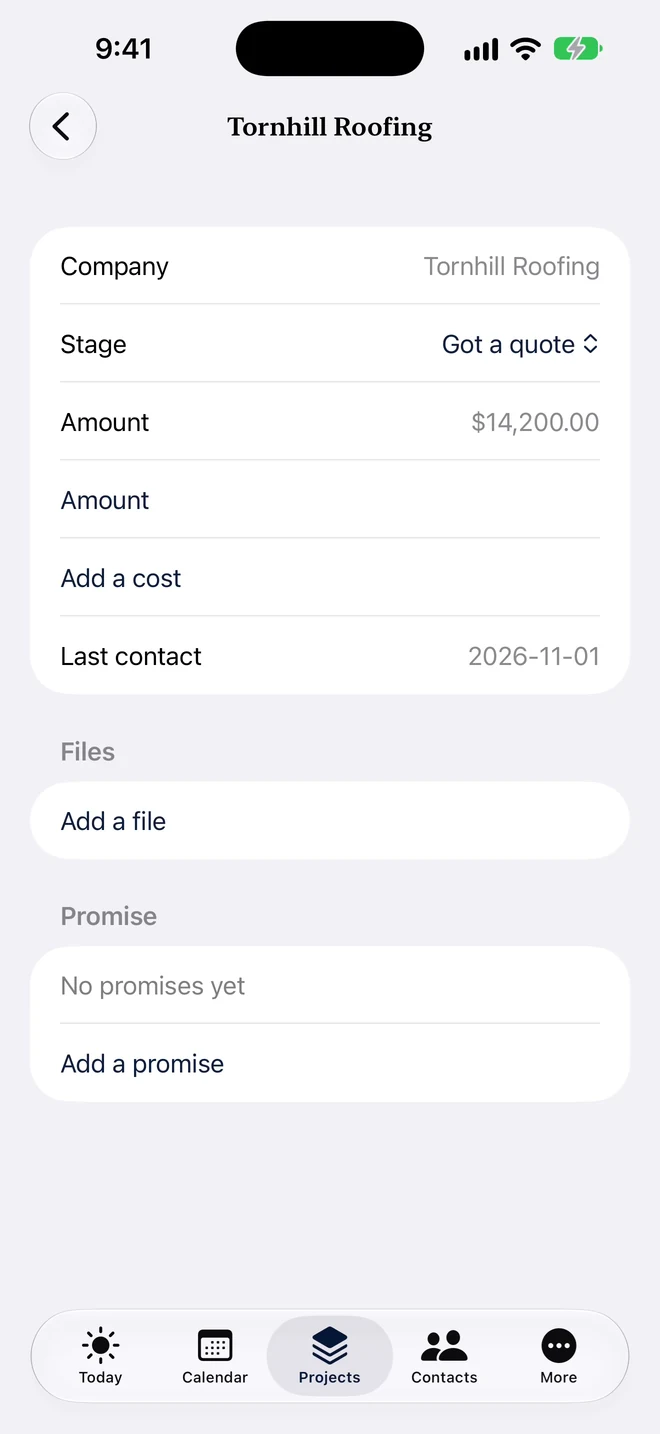
The to-dos ask Morgan to nudge Summerlath and compare the quotes. See the quote received beside the quote still outstanding.
Quote compare and attachmentsIncluded
Compare the helpers and their quotes side by side, with files beside the price.
Today and assigned to-dosIncluded
See what is due and who is doing it.
Fictional live-Demo sample
To-do
Nudge Summerlath for a quote
Compare roof quotes side by side
Morgan’s whole week, read only
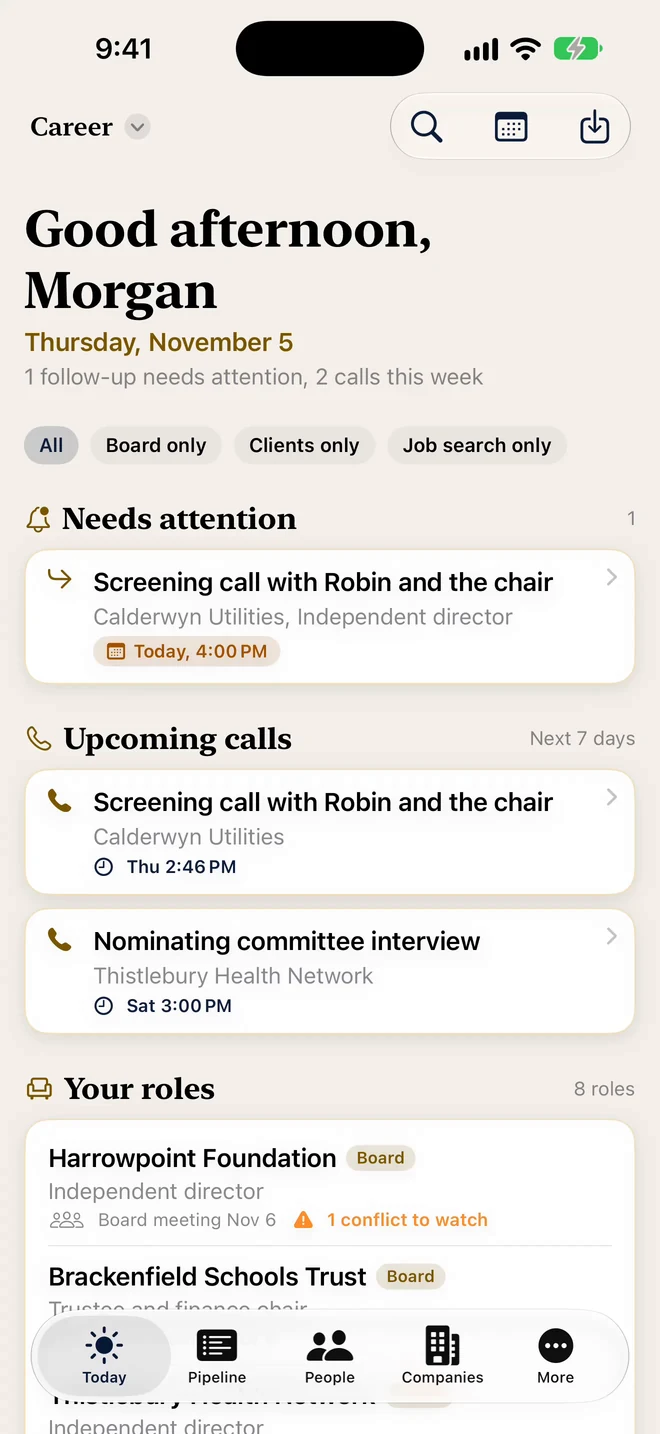
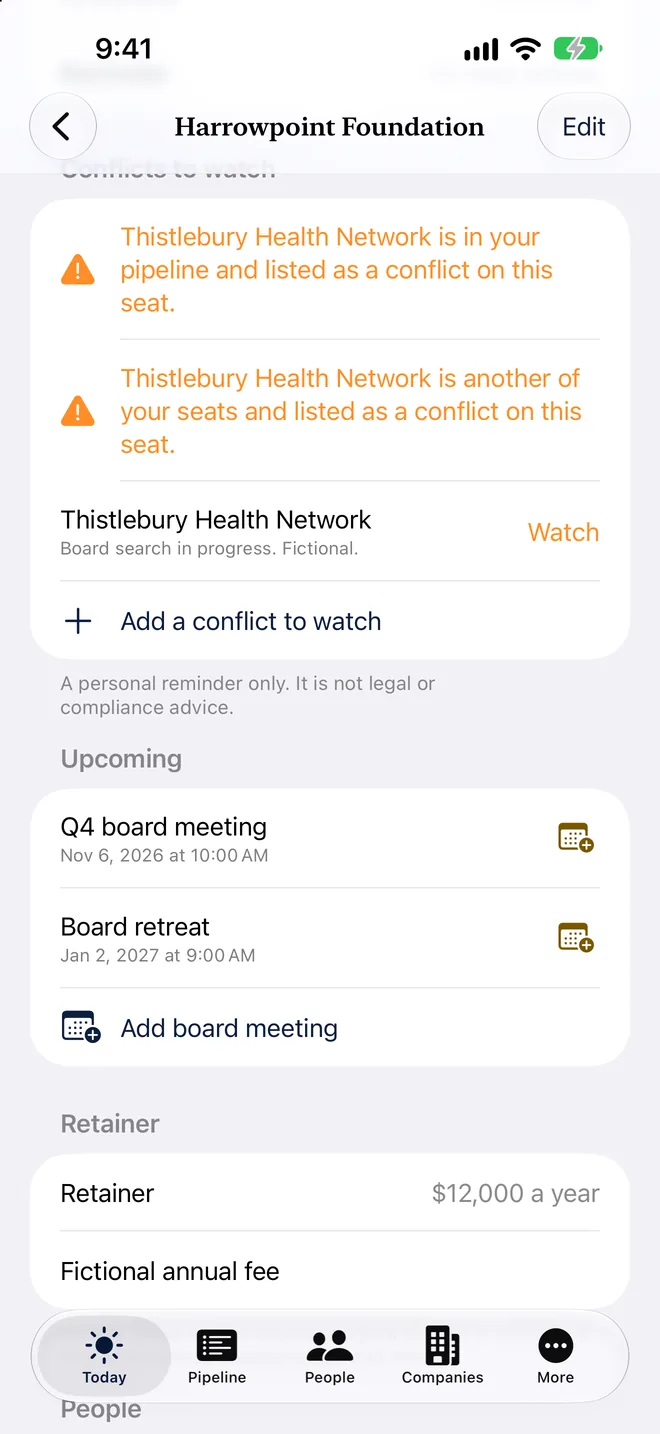
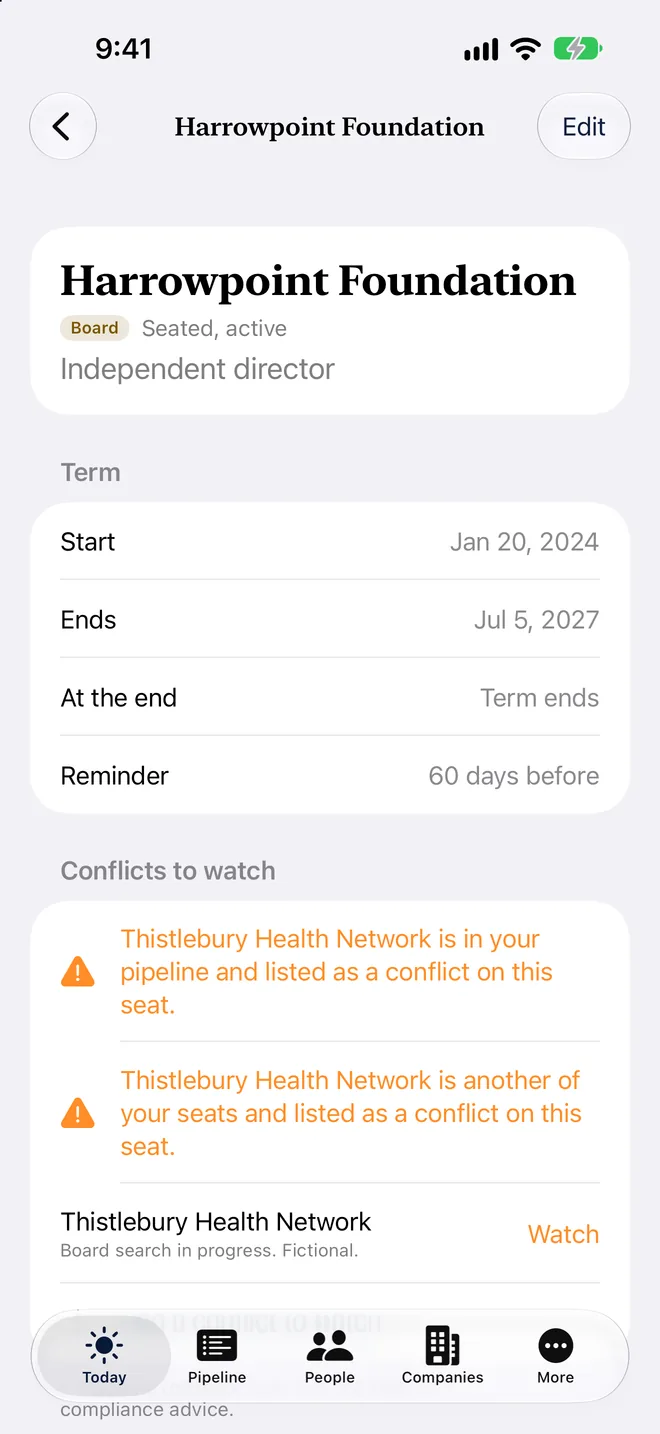
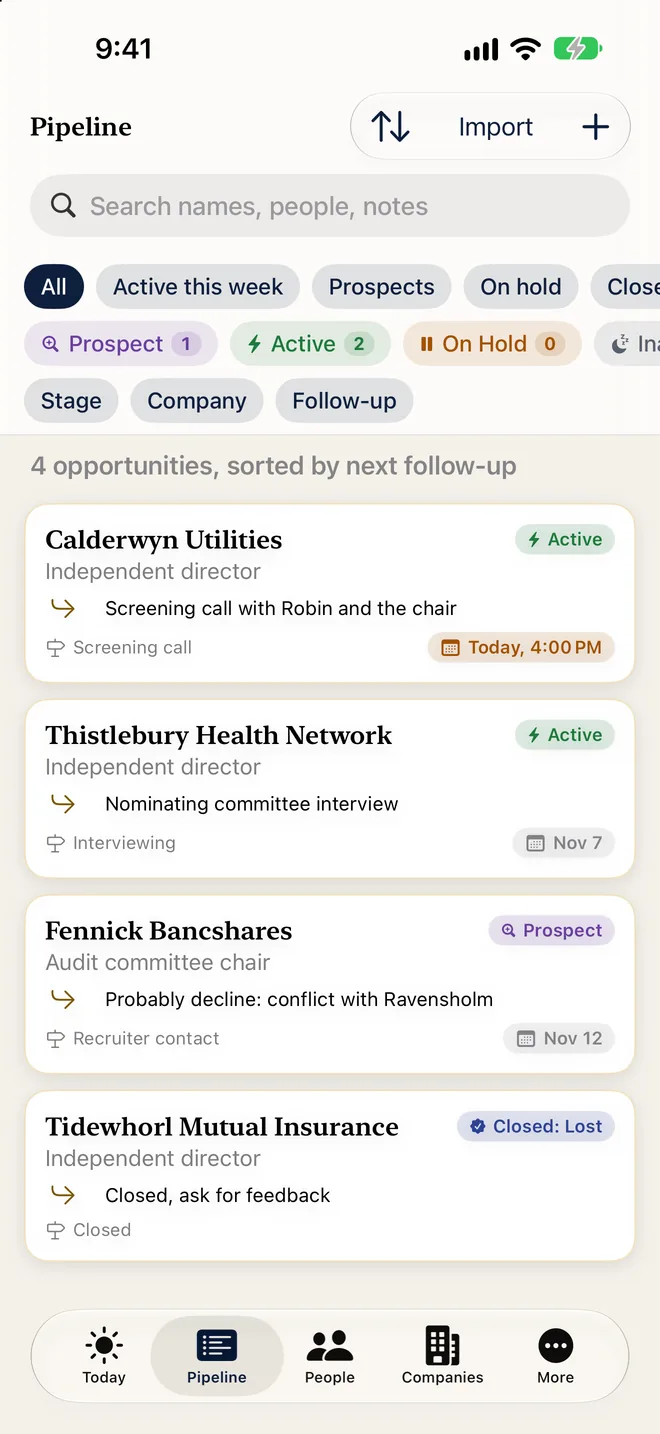
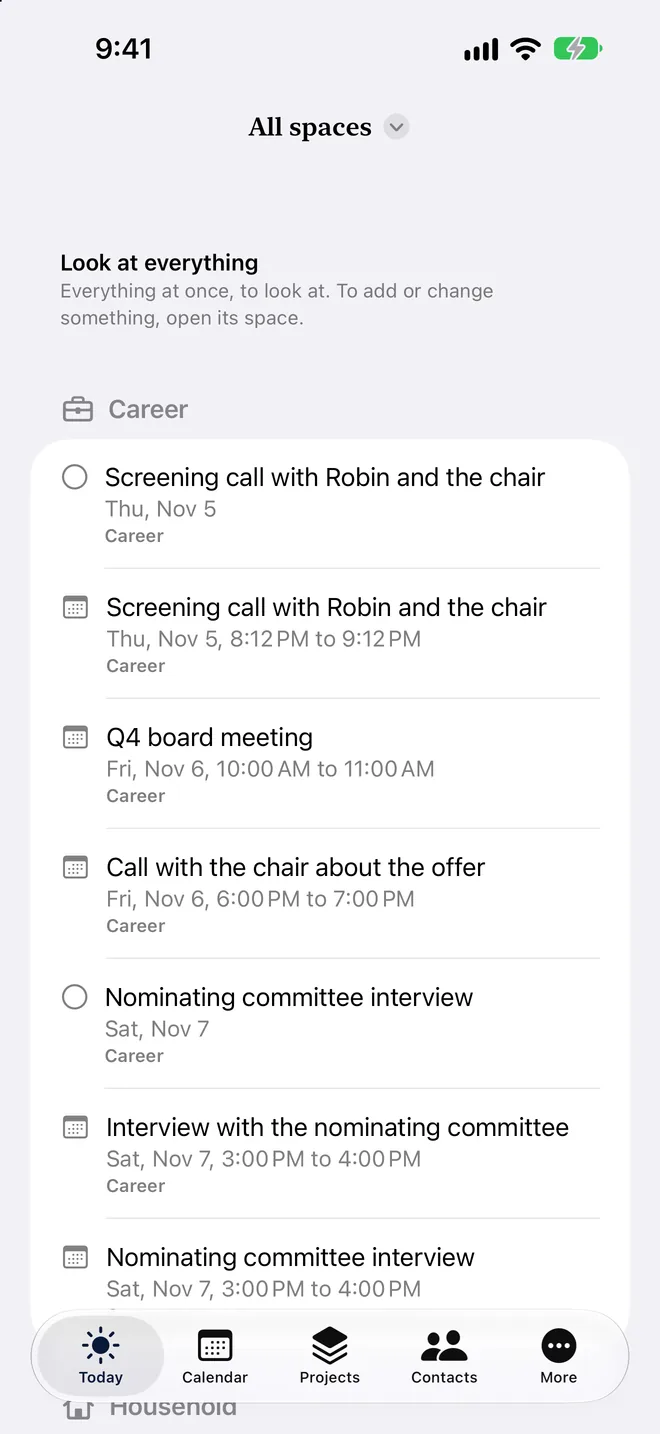
Morgan’s board work, next-seat search and roof project belong to one week, not one shared record. In the app, All spaces brings Today and the calendar together. Here's how the week looks across spaces.
Real live-Demo screen · fictional data. Look across spaces, then open one to make a change
Step 1
Look across spaces, then open one to make a change
Demo dates move with the day you open it.
All spaces, read onlyIncluded
Look at Today and the calendar across spaces. Open the item’s own space to make a change. Only you see the combined view.
Fictional live-Demo sample
Space
Item
Relative date
Career
Harrowpoint Foundation: Q4 board meeting
1 day after opening Demo
Career
Thistlebury Health Network: Interview with the nominating committee
2 days after opening Demo
Household
Nudge Summerlath for a quote
1 day after opening Demo
One life, separate spaces.
The core work comes first. Use the space choices above to look at the rest without mixing the records. Sharing one space does not share the others. How spaces work.
Your assistant prepares updates. You review them and bring them in.
Try the fictional Demo
Open Settings, Help and demo, choose Morgan Ellis, then Turn on selected demo. Your own information stays as it is. Demo unlocks the features to explore; the labels here show the plan needed outside Demo. Compare plans and Free limits.
 Principal Seat