Principal Seat Notify me at launch

Screenshots

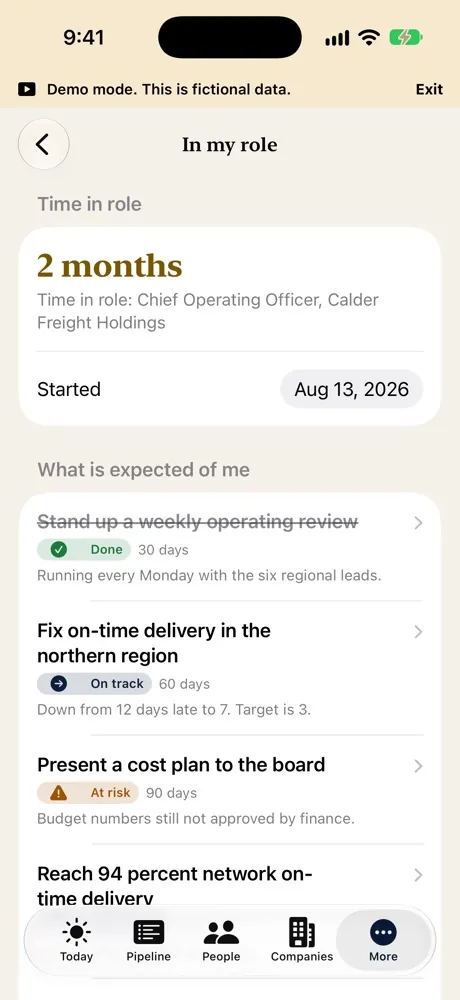
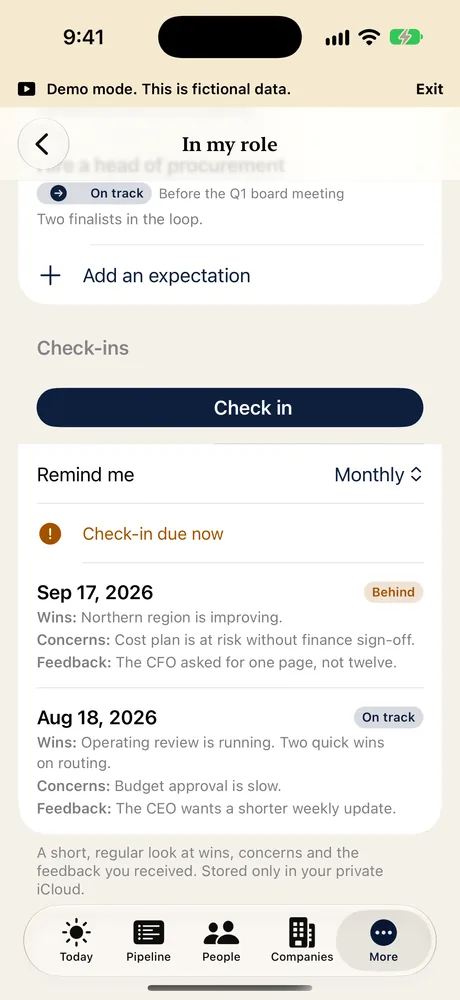
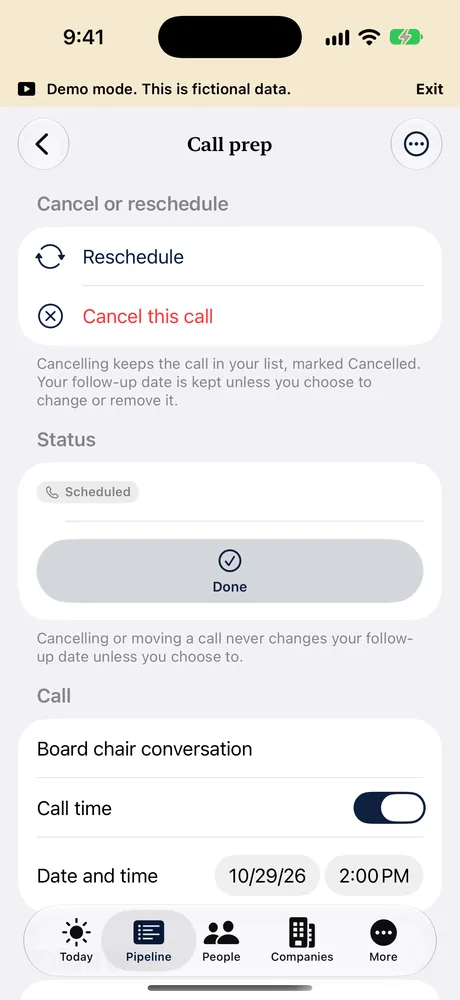
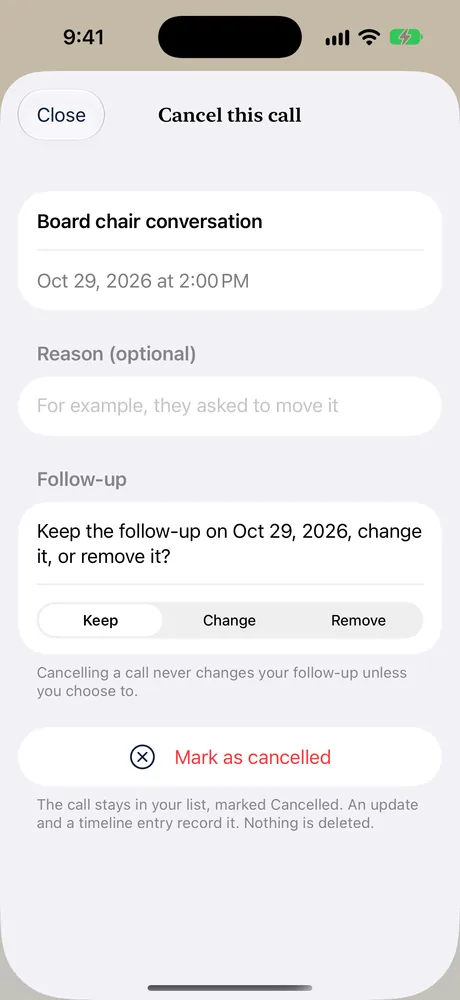
Every screen comes from Demo mode. Names, companies and figures are fictional. The app is not yet on the App Store.

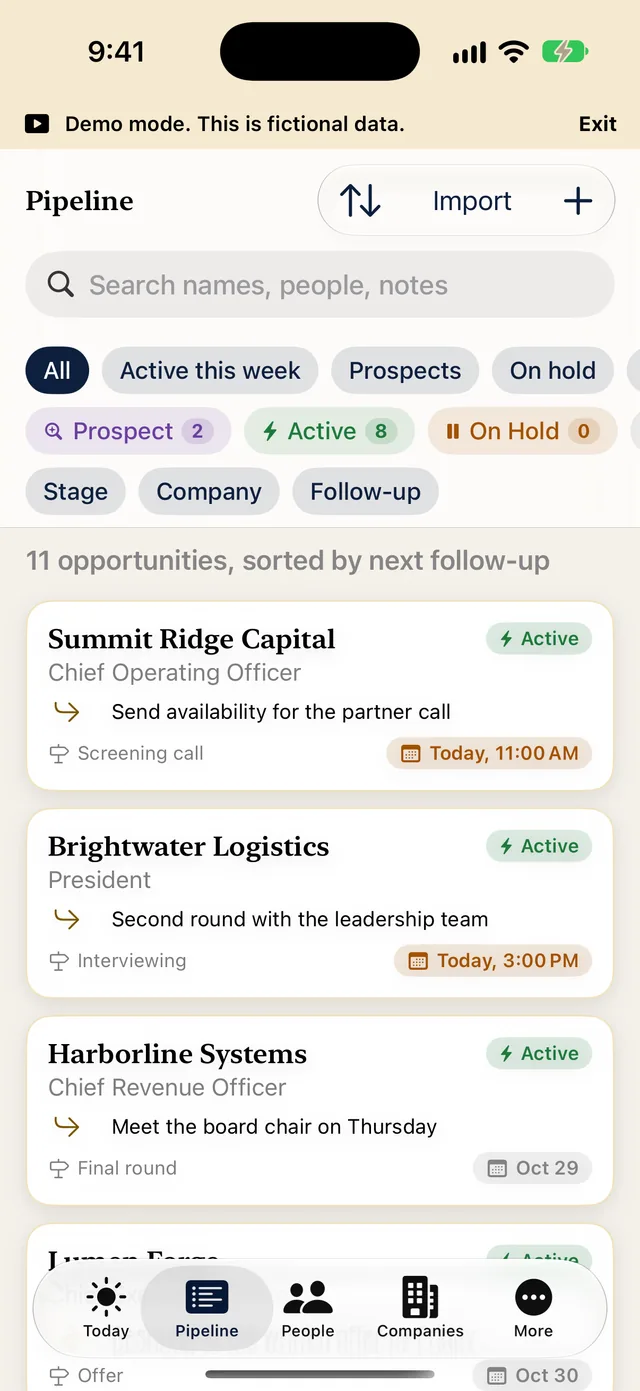
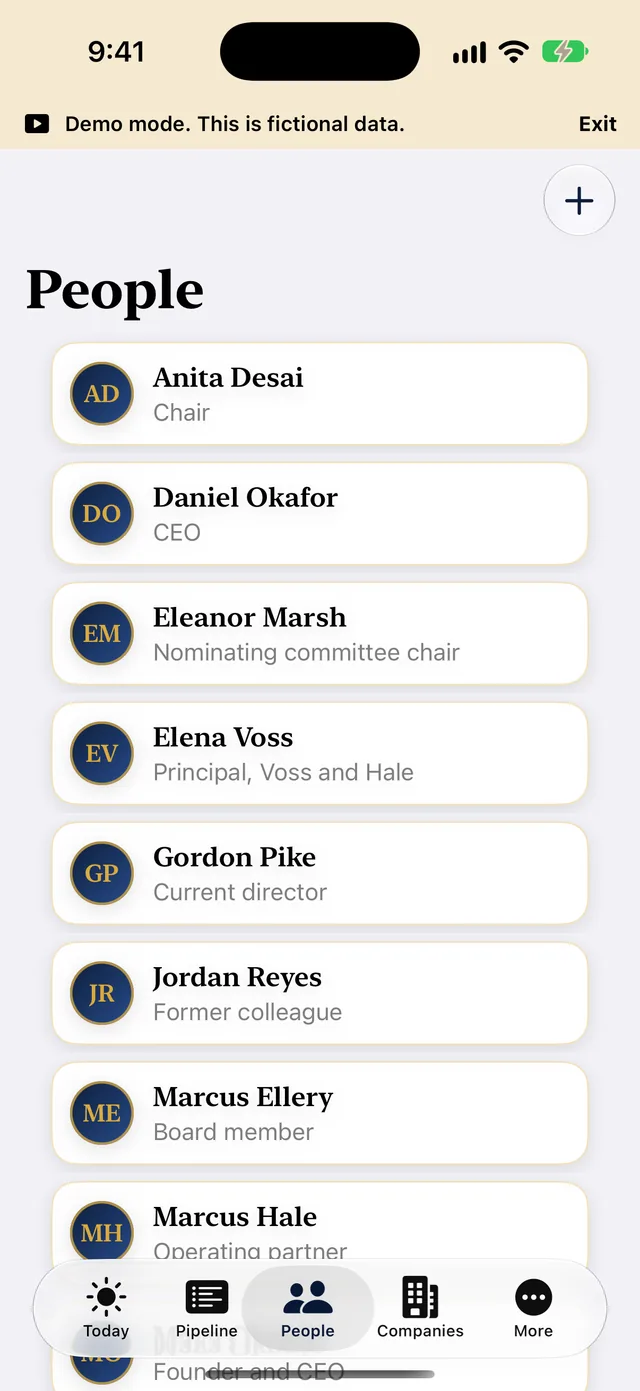
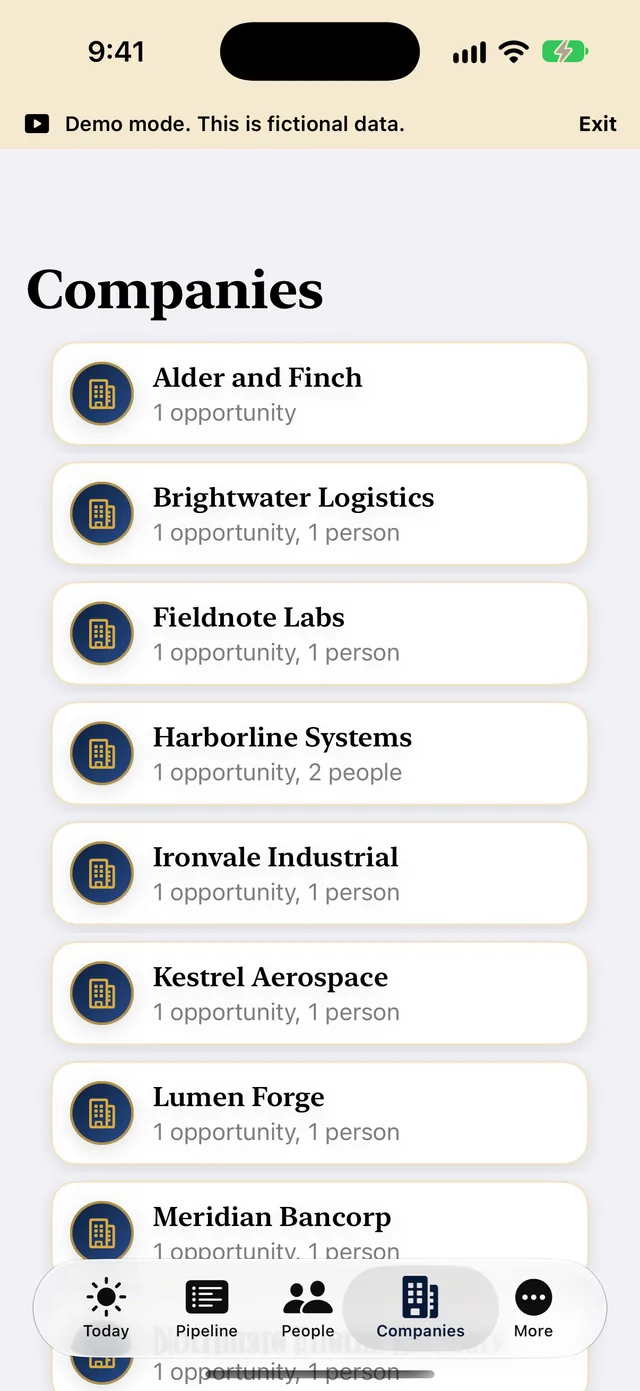
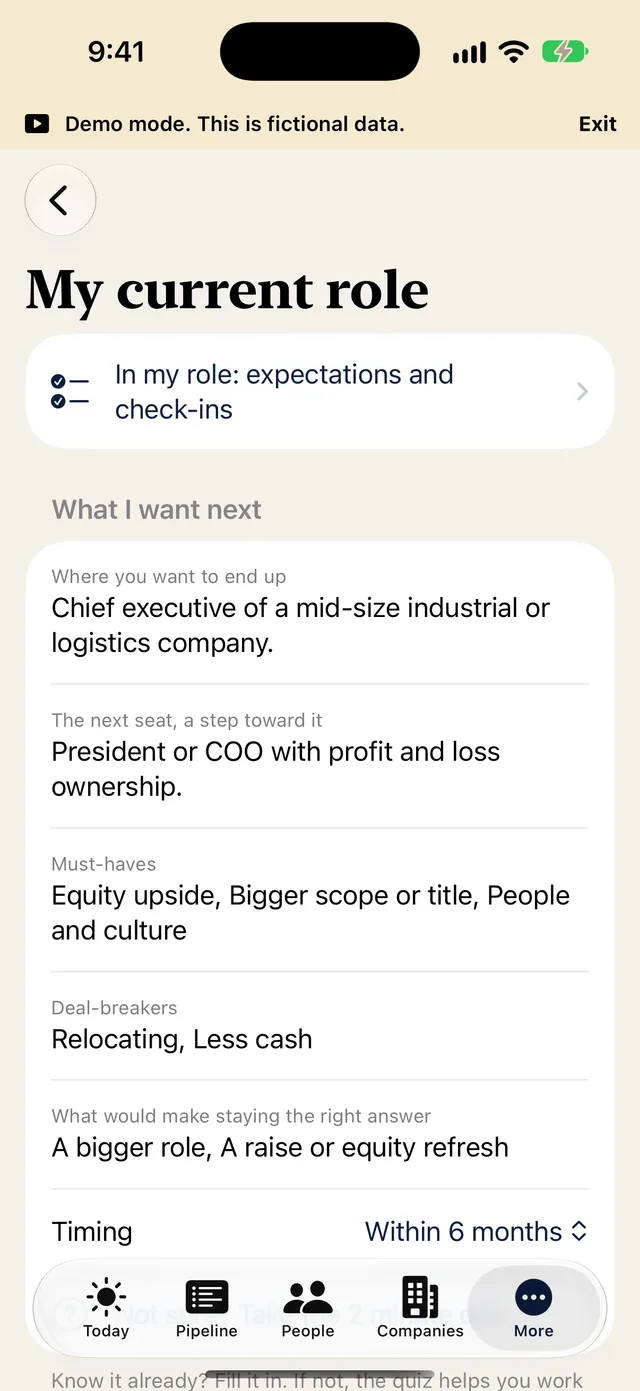
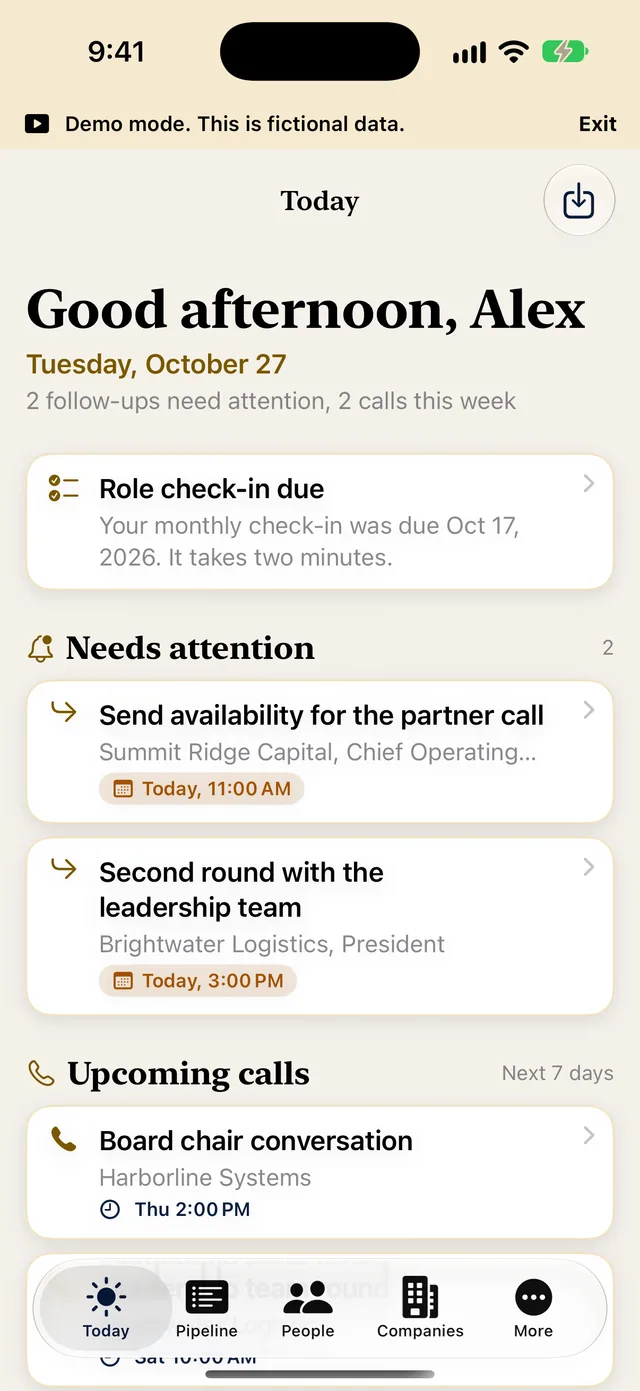
iPhone
iPad
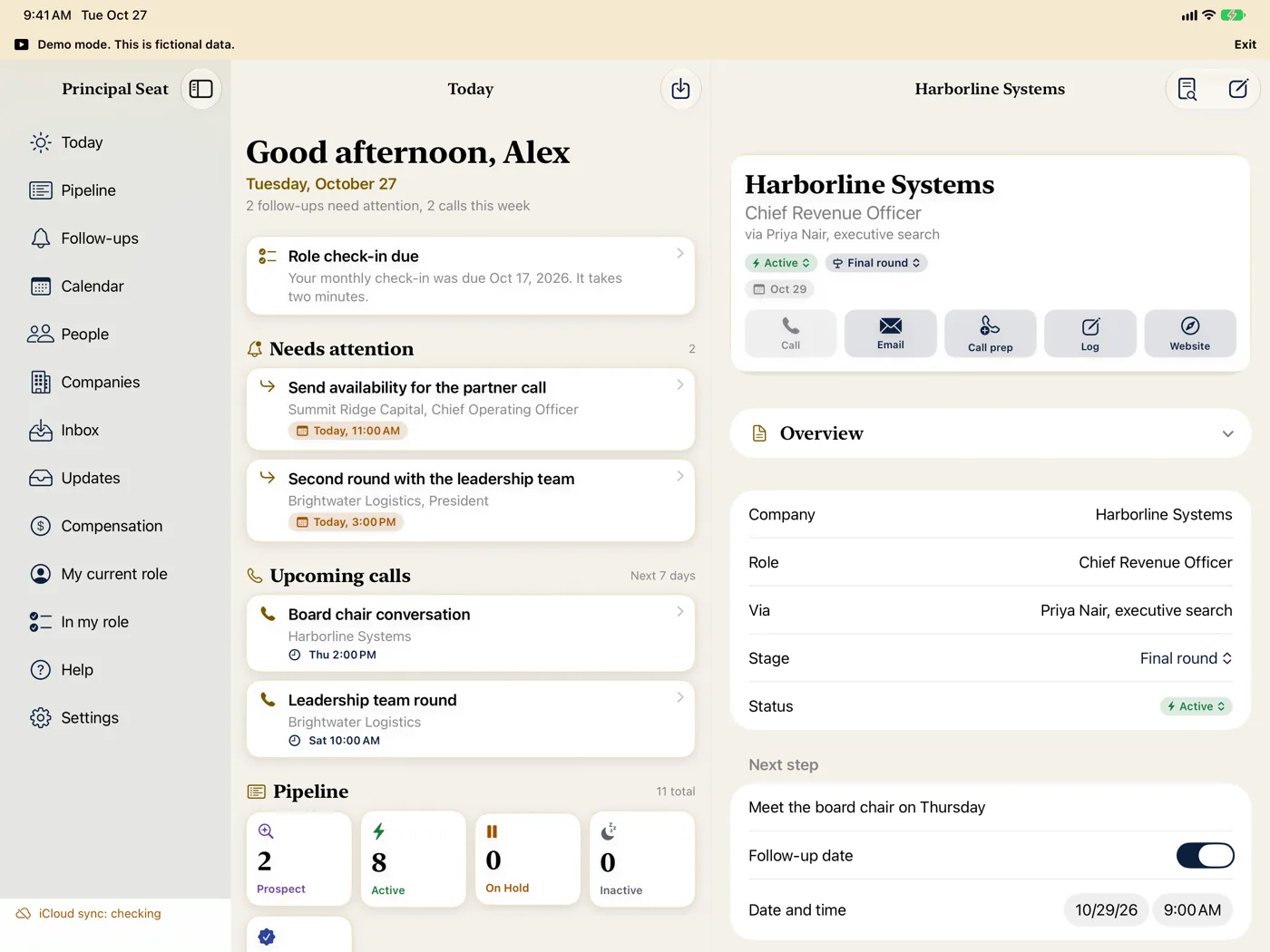
The Today screen on iPad in landscape, with the sidebar, items that need attention and upcoming calls
Today
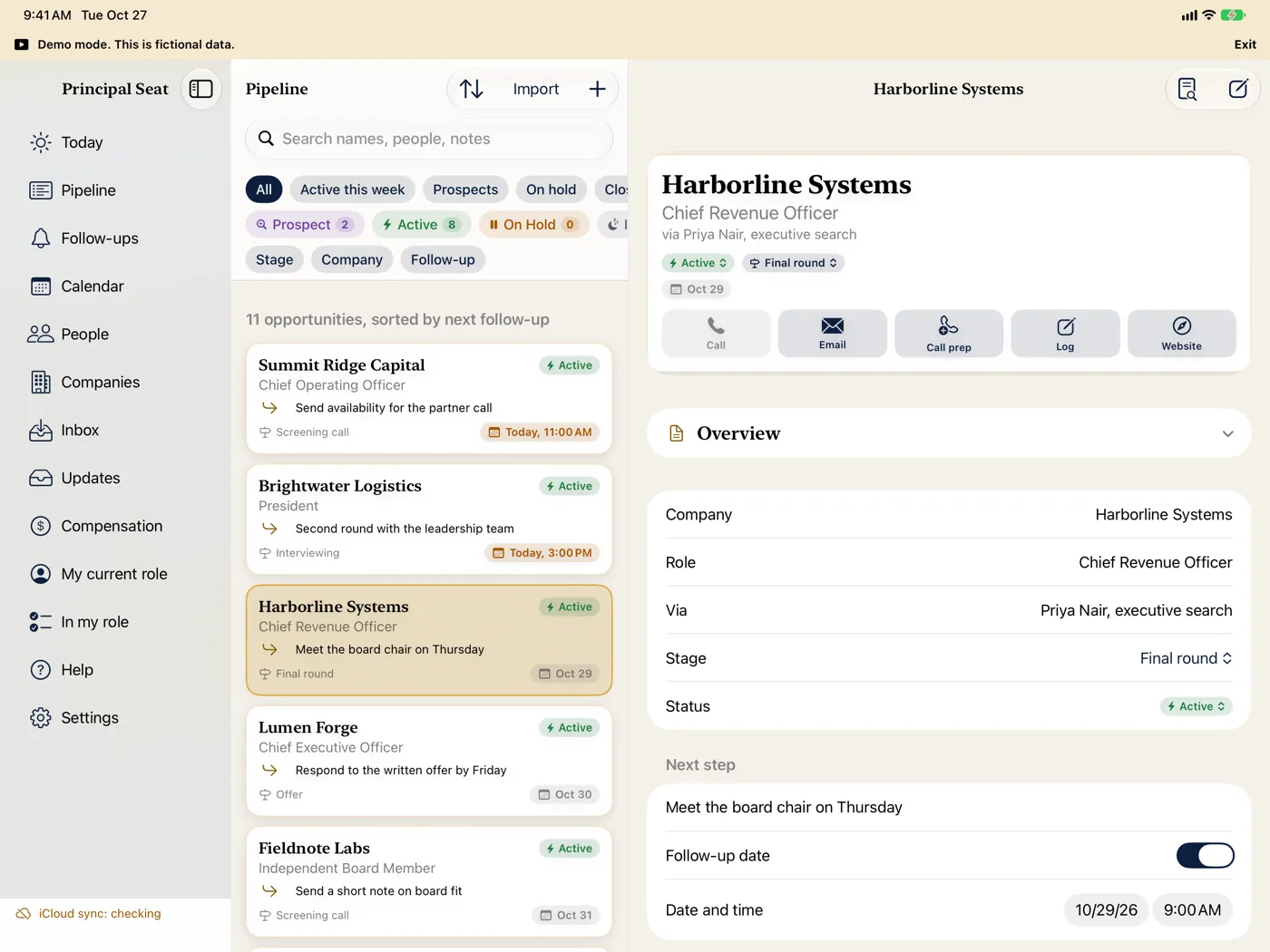
The Pipeline on iPad in landscape with filters and fictional opportunities
Pipeline
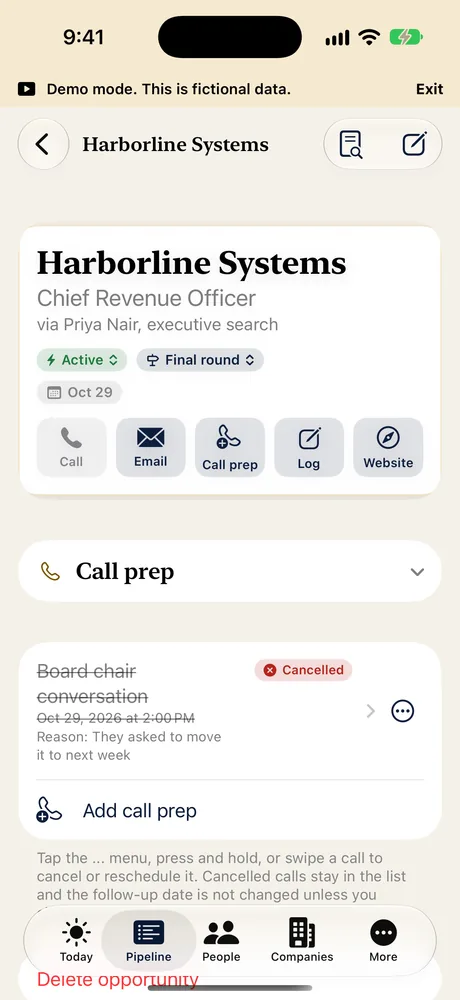
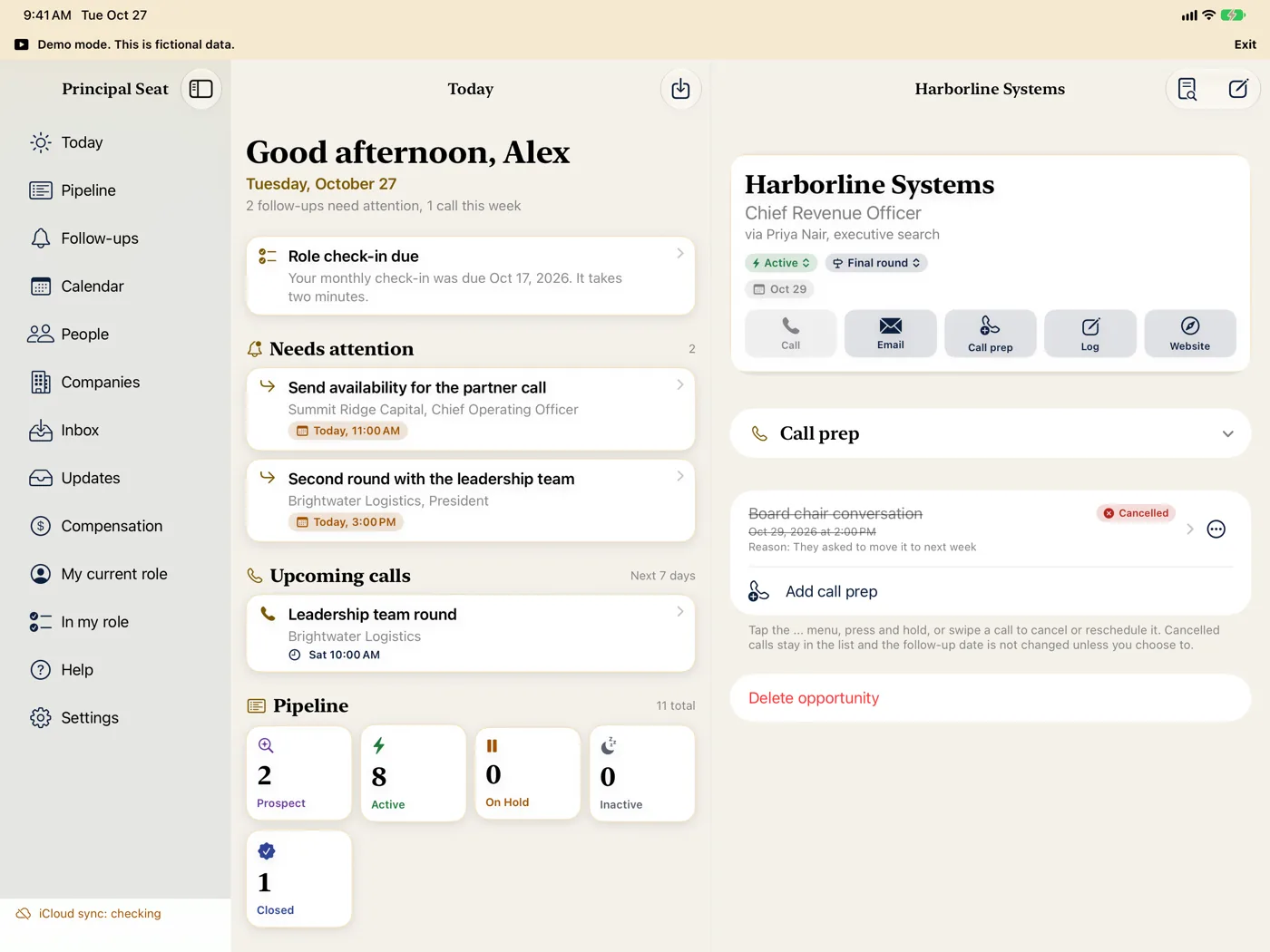
The Today list and a fictional opportunity with a cancelled call side by side on iPad in landscape
Today and an opportunity side by side
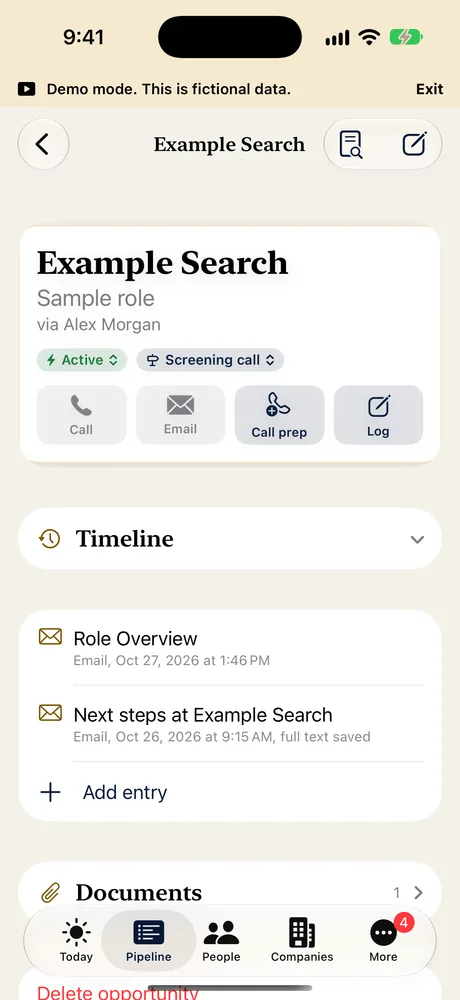
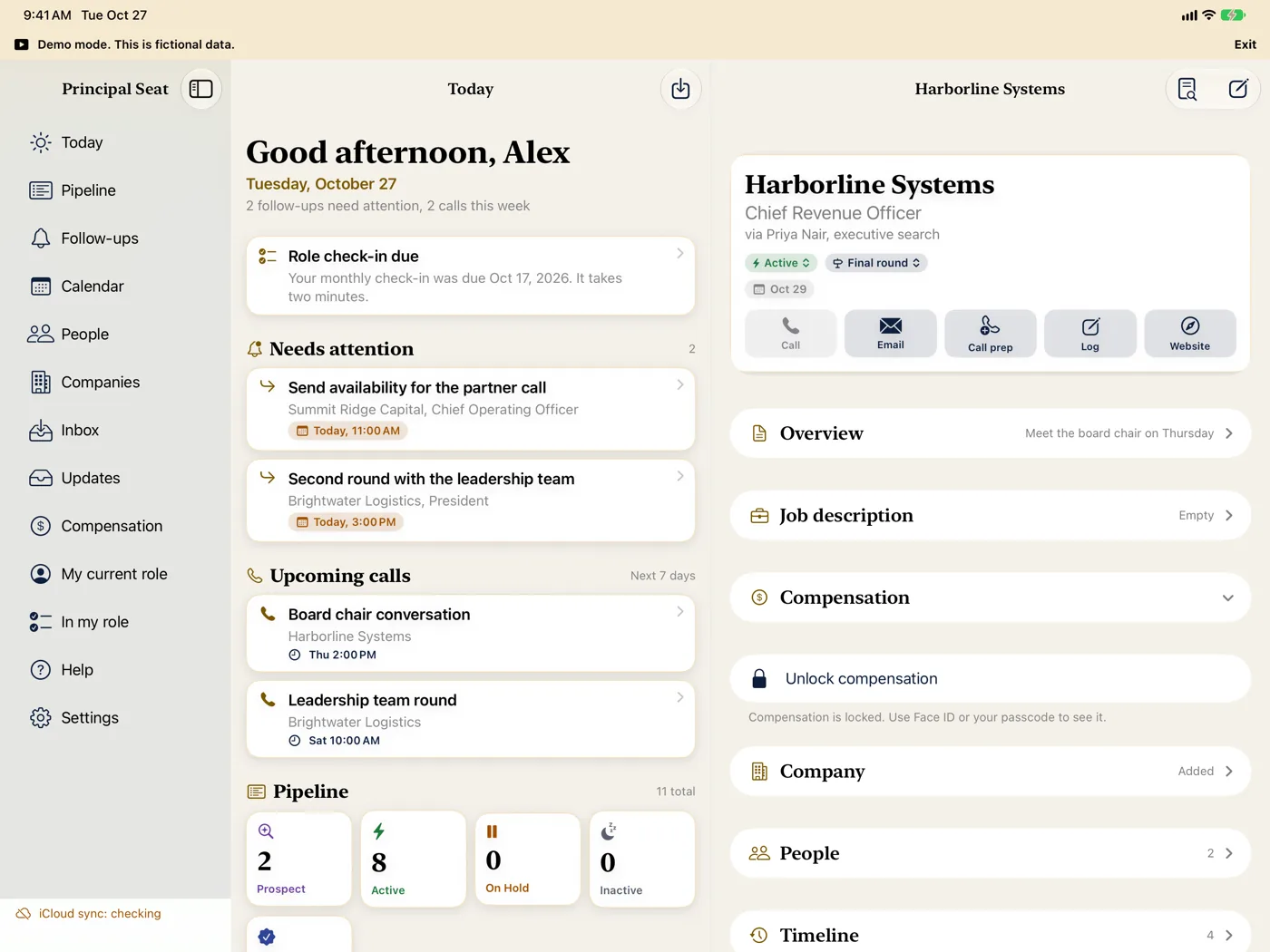
An opportunity on iPad in landscape with sections for job description, compensation, company, people and timeline
Every section of an opportunity
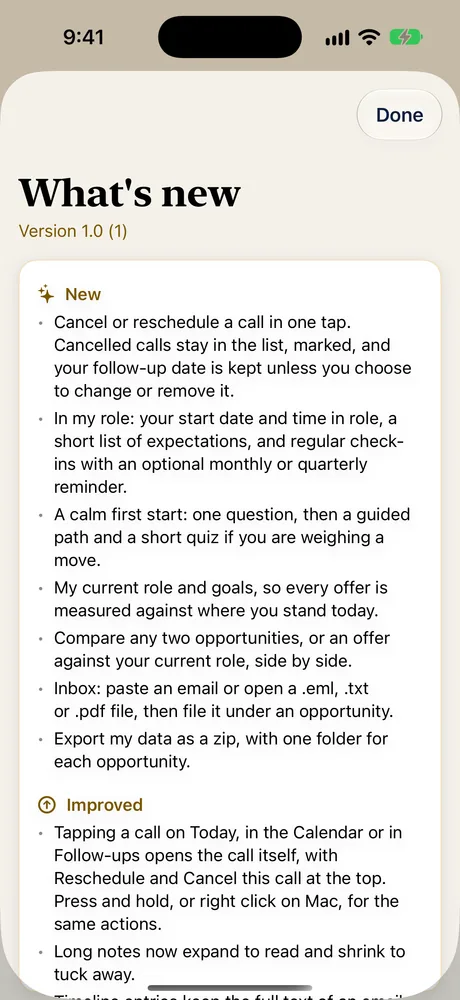
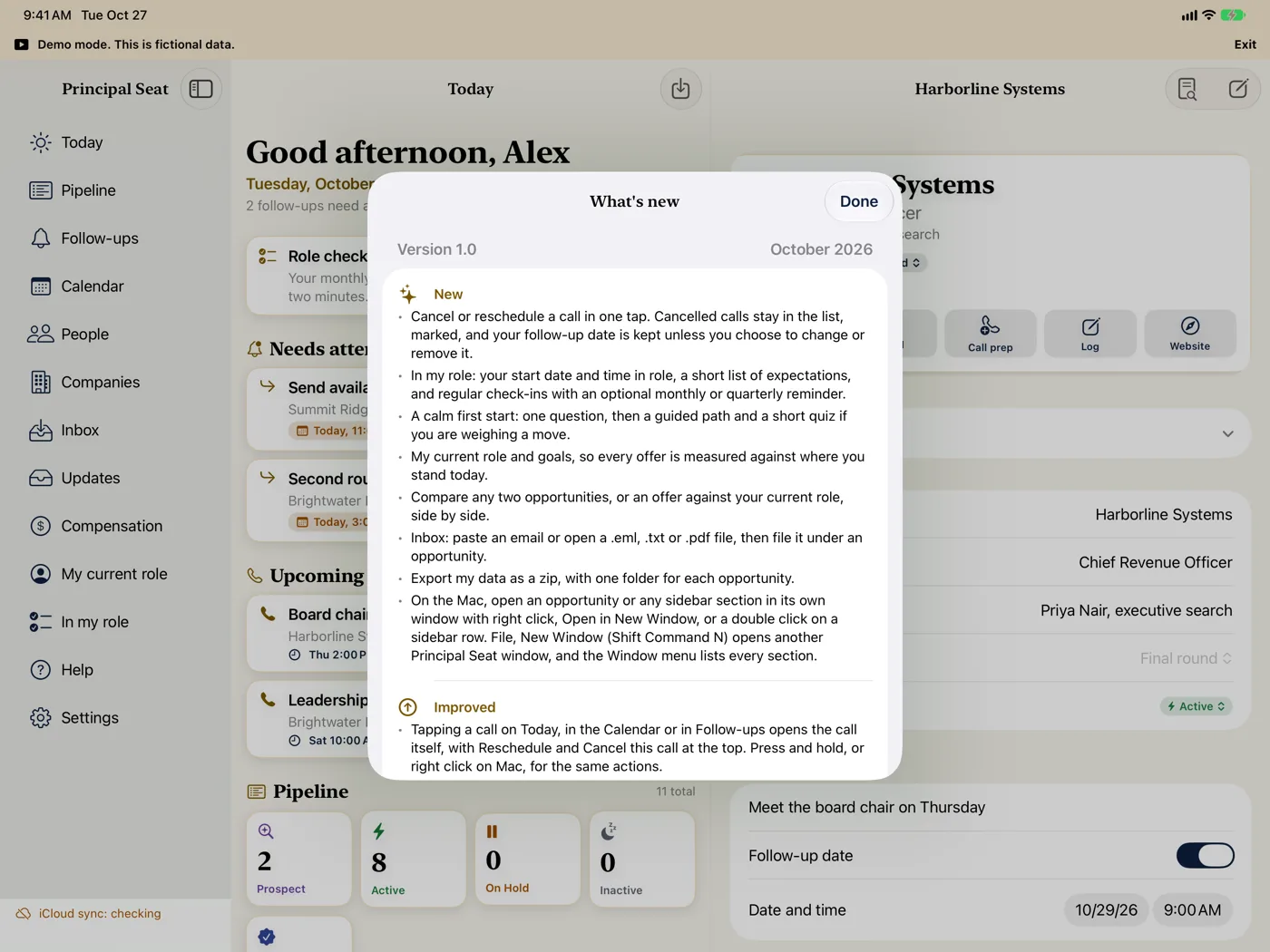
The What's new sheet over the Today screen on iPad in landscape
What's new
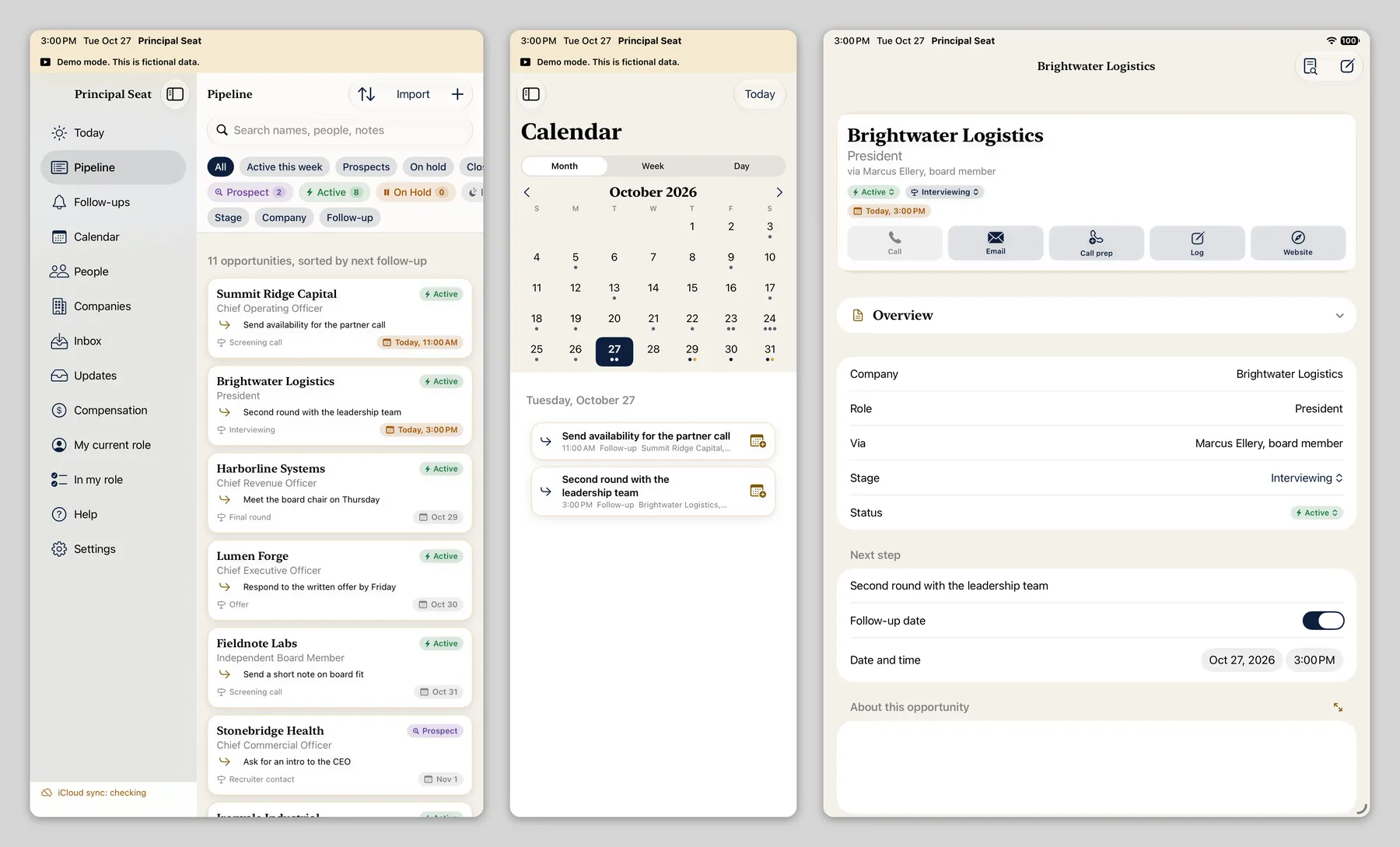
Three Principal Seat windows side by side on iPad: the Pipeline with the sidebar, the Calendar, and a fictional opportunity
Pipeline, Calendar and an opportunity, each in its own window

Apple Watch Premium

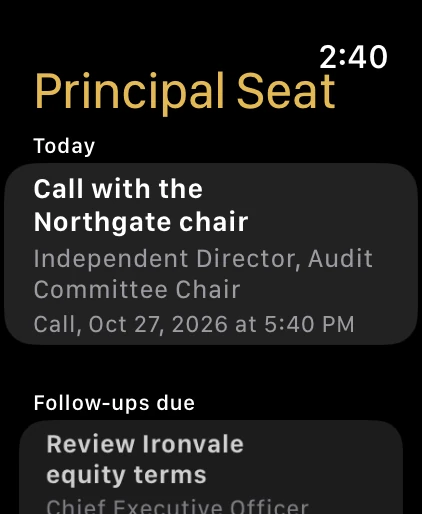
The Today screen on Apple Watch inside a drawn watch case, showing a fictional next call
Your next call

Mac

Principal Seat on a Mac, with fictional demo data. Mac is coming soon along with the other devices.
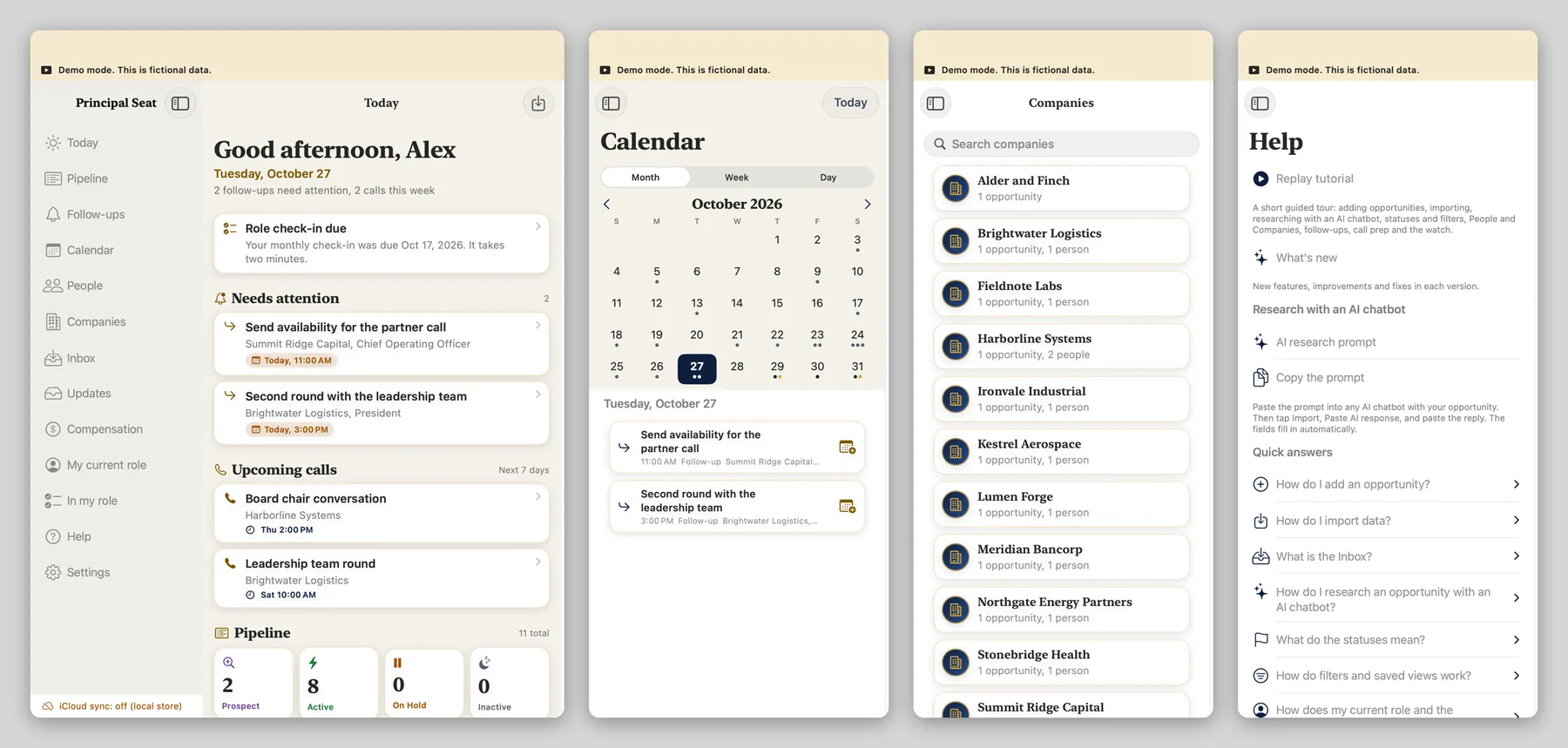
Four Principal Seat windows side by side on a Mac: Today with the sidebar, the Calendar, Companies and Help
Today, Calendar, Companies and Help, each in its own window
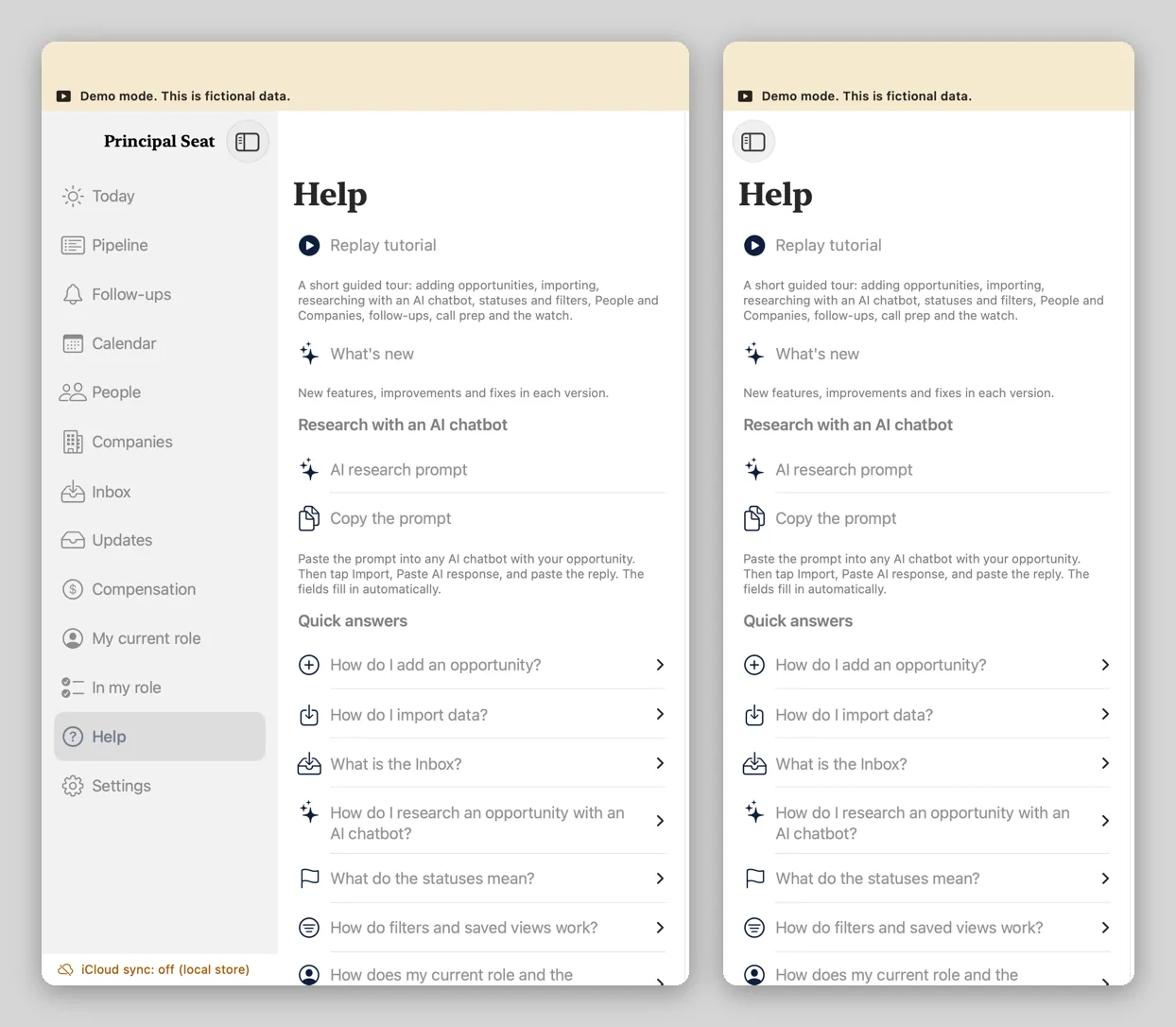
Two Mac windows showing the Help section, one with the sidebar turned on and one with the sidebar hidden
Help with the sidebar on (left) and hidden (right). A section window starts with the sidebar hidden.

On Mac and iPad, any sidebar section can open in its own window. How windows work