 Principal Seat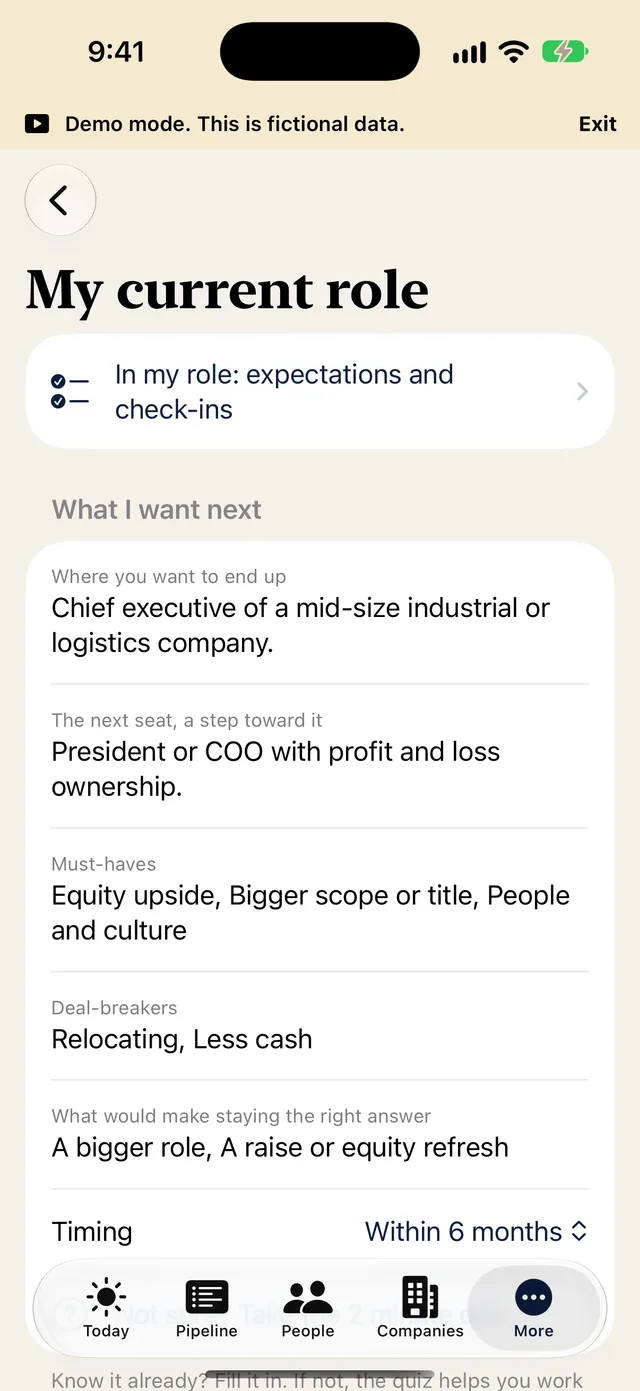
My current role
Your current role, what you want next and where you want to end up. Add pay, equity and what was promised. No CV upload.
A private career app for senior executives, from Director to the board seat.
Set My current role once, then add the role or roles you are aiming for. Every offer is weighed against where you stand today.
Premium marks features that need Premium for their full depth. Free includes one full run of the Offer checklist and the Equity model on one opportunity. Premium is free for 14 days to try on the monthly and yearly plans.
Your current role, what you want next and where you want to end up. Add pay, equity and what was promised. No CV upload.
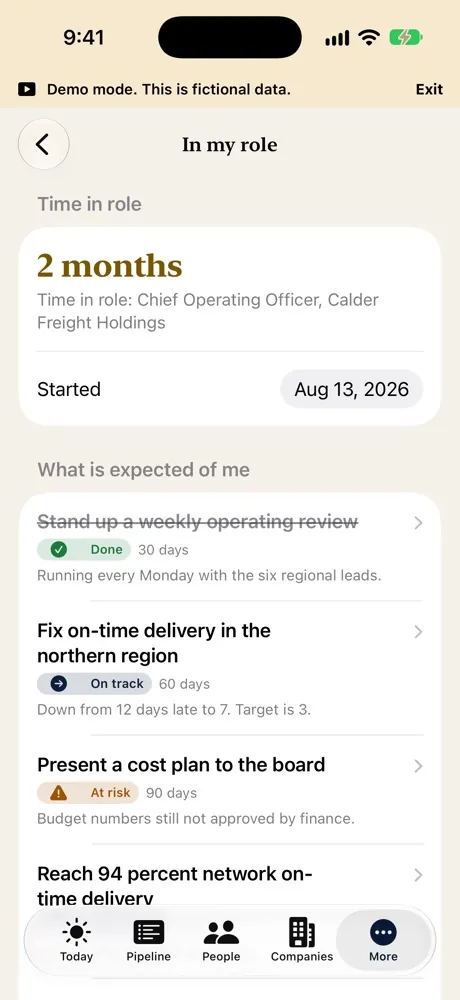
Time in role, plus what is expected of you at 30, 60 and 90 days, about one year and about 18 months.
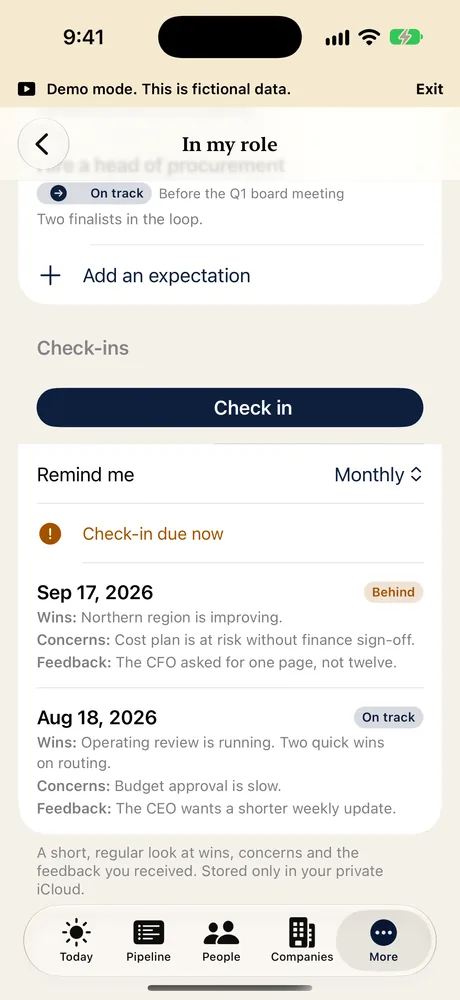
A short, regular look at how the role is going. Wins, concerns and the feedback you got.
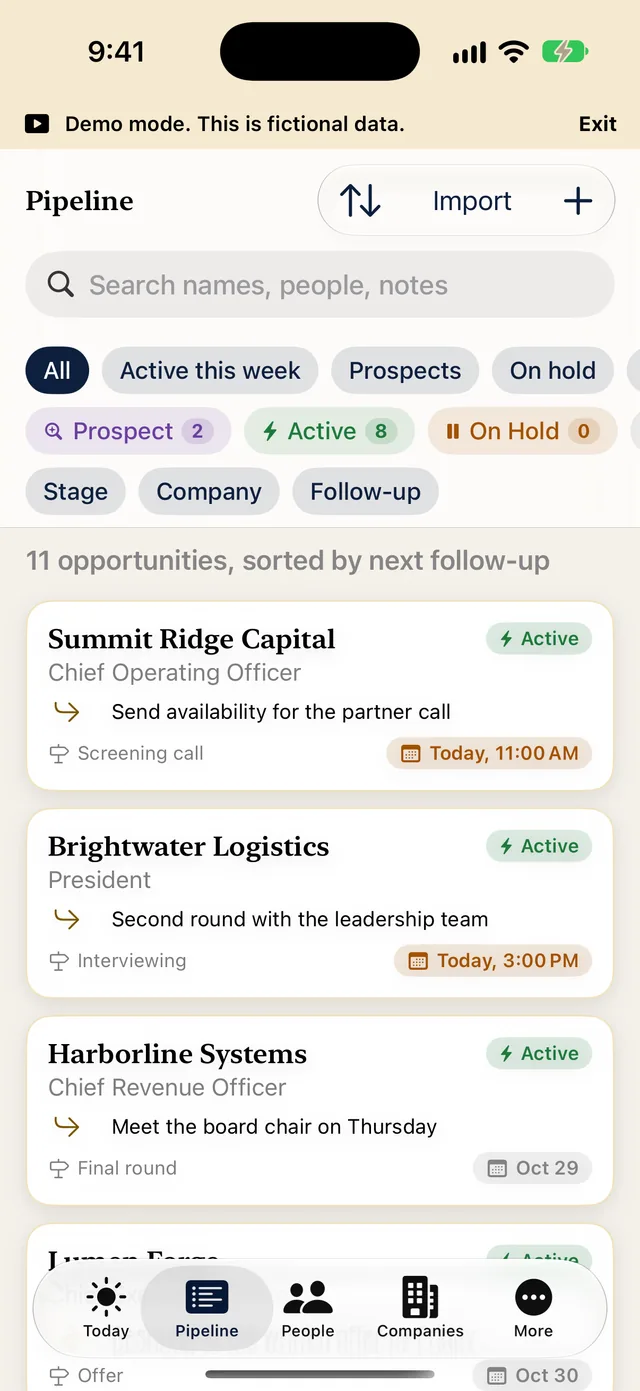
Pursuits, active and closed. Reopen any closed one.
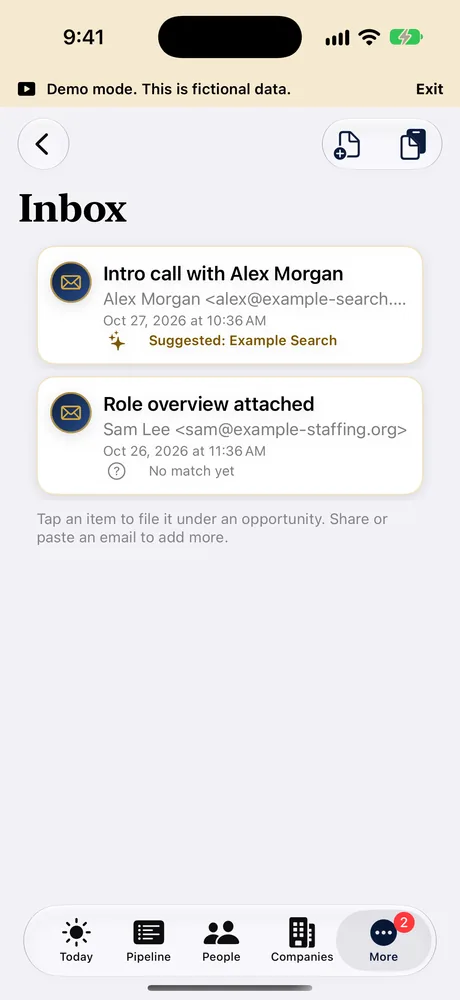
Share or paste an email, PDF or text file. The app suggests the opportunity it belongs to and you file it. A private forwarding address is planned, not available yet.
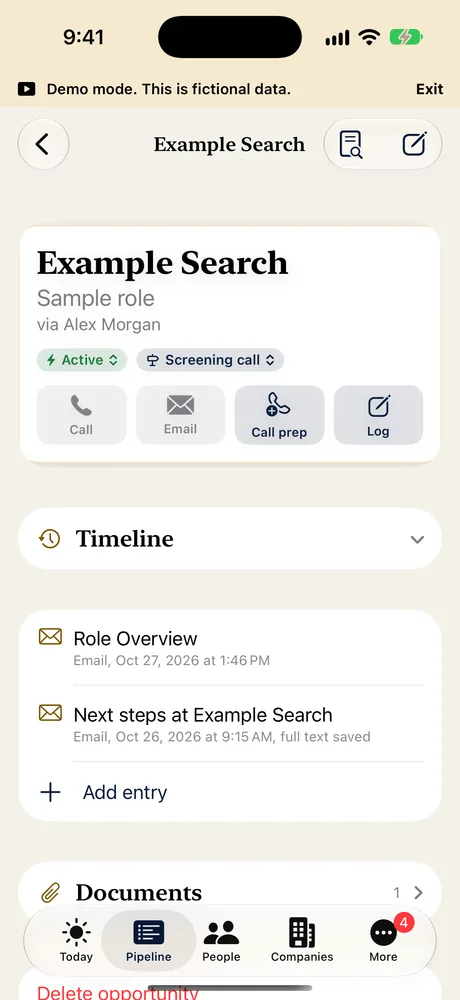
Timeline entries keep the whole email or PDF, so you can reread what was said.
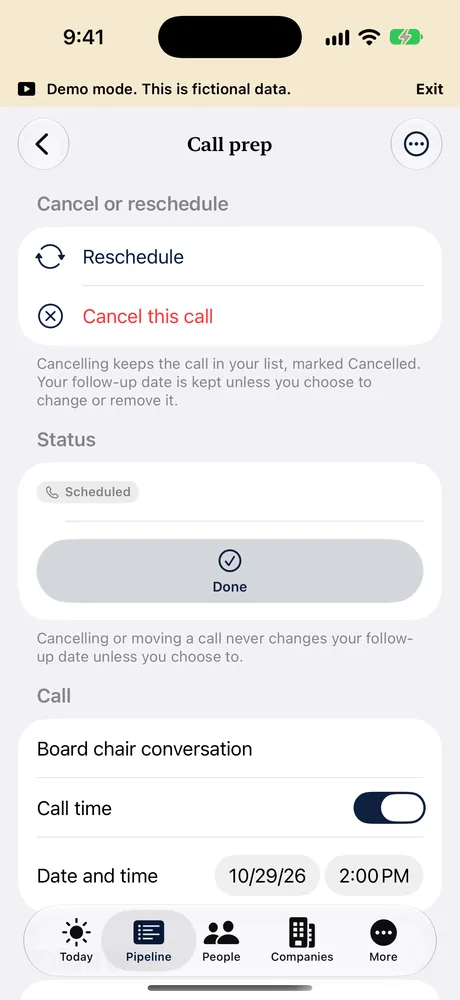
Open the call and use Cancel or reschedule at the top. Your follow-up stays with it unless you change it.
See the risk gaps: severance, D and O and E and O tail, change of control and more. Free includes one full run, on one opportunity.

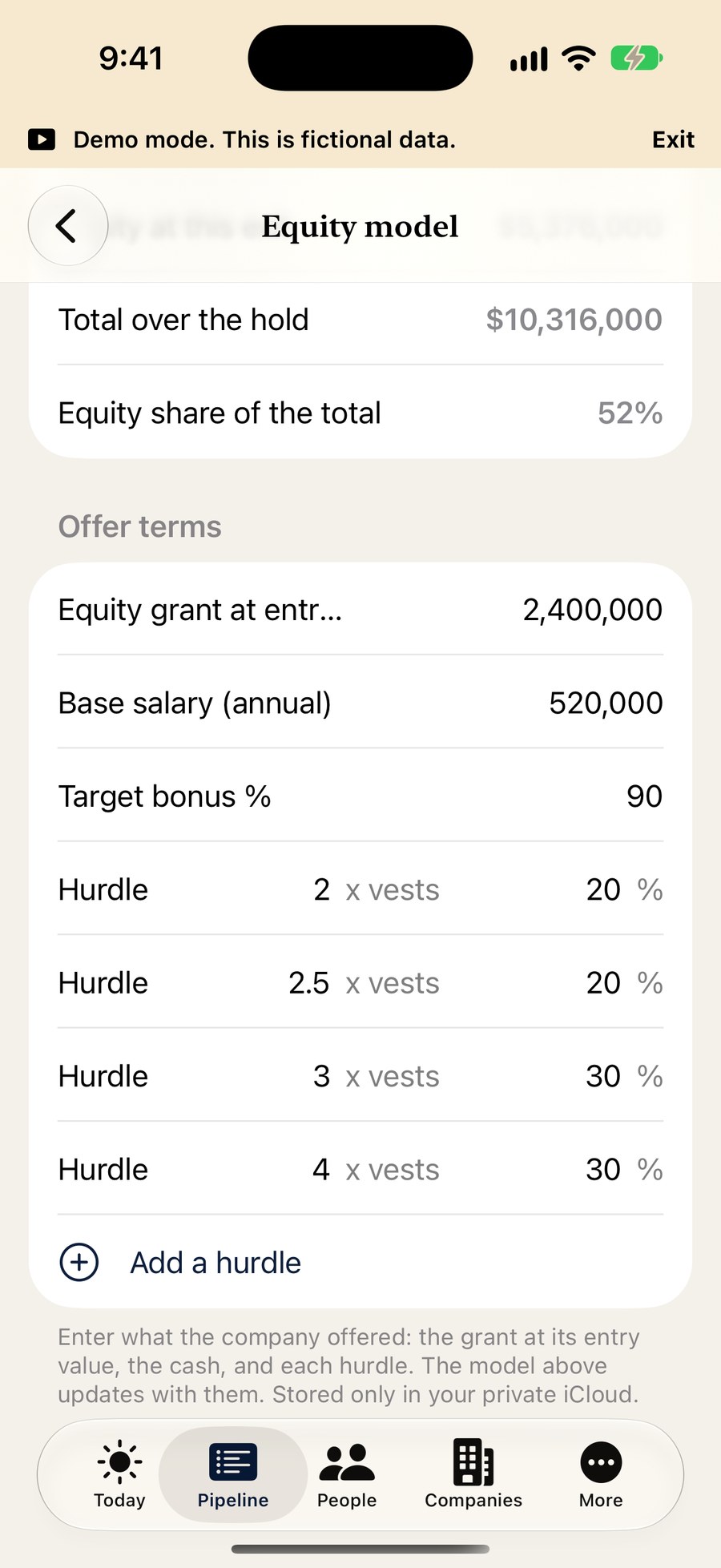
Model equity with the exit multiple and hold length. Free includes one full run, on one opportunity.
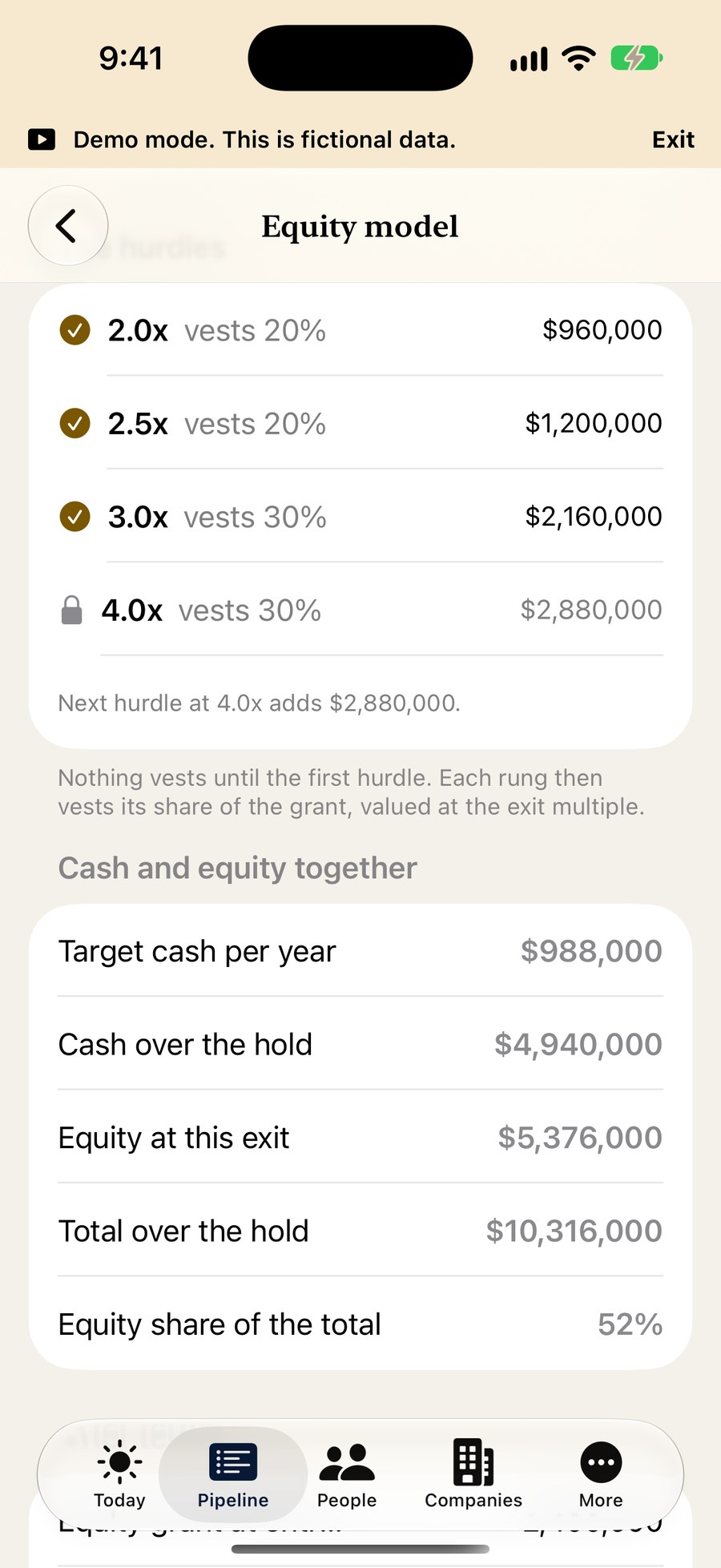
See what vests next, with cash and equity side by side.
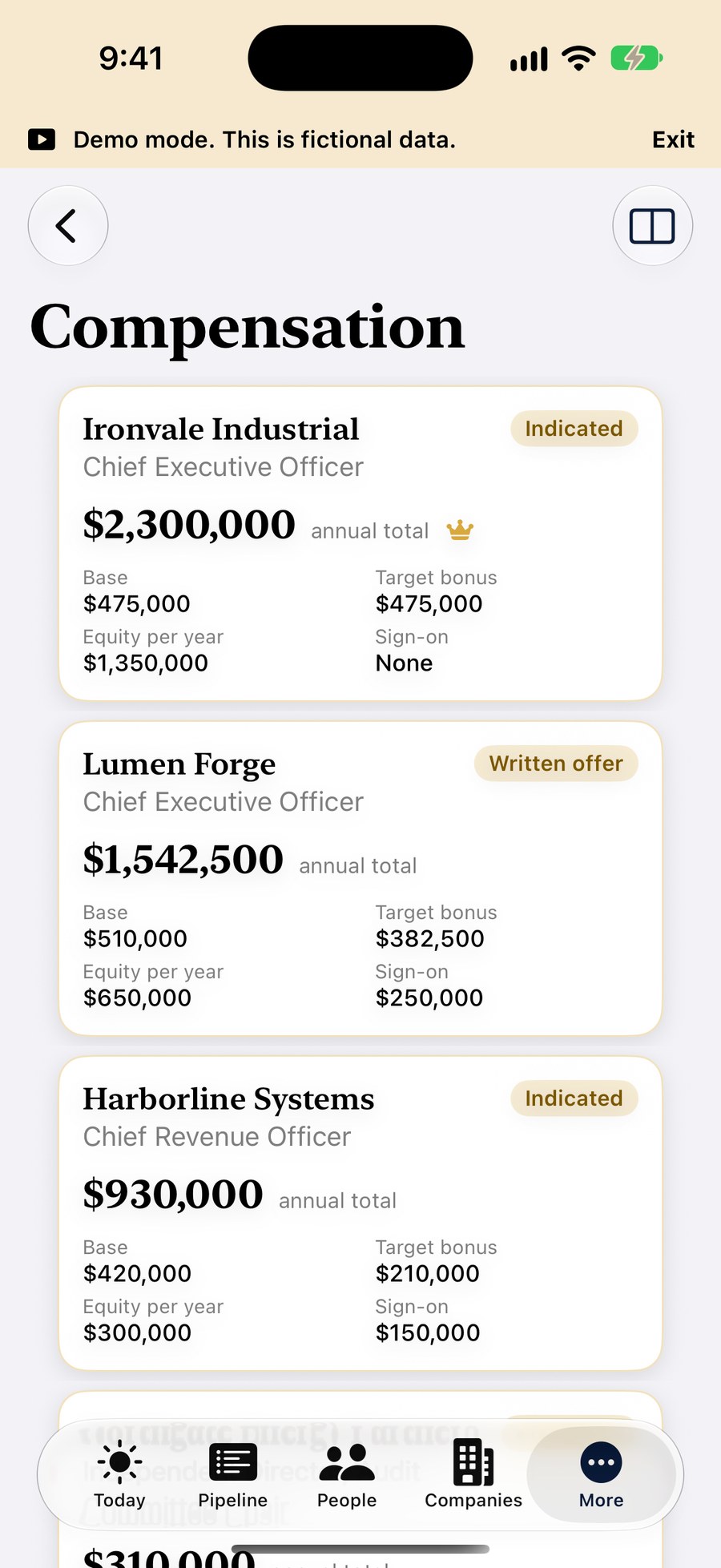
Compare opportunities, including against your current role.
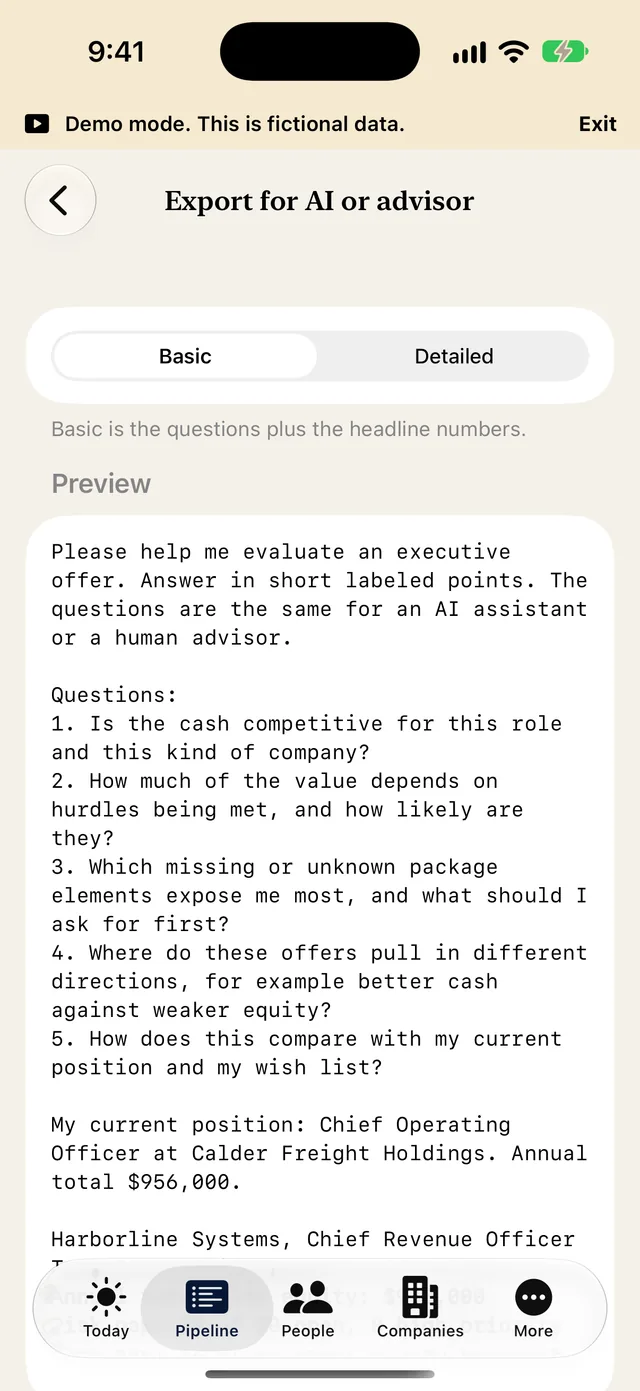
Ready-made prompts you copy to your own AI or an advisor. Paste the reply back. The app does not run or host any AI.
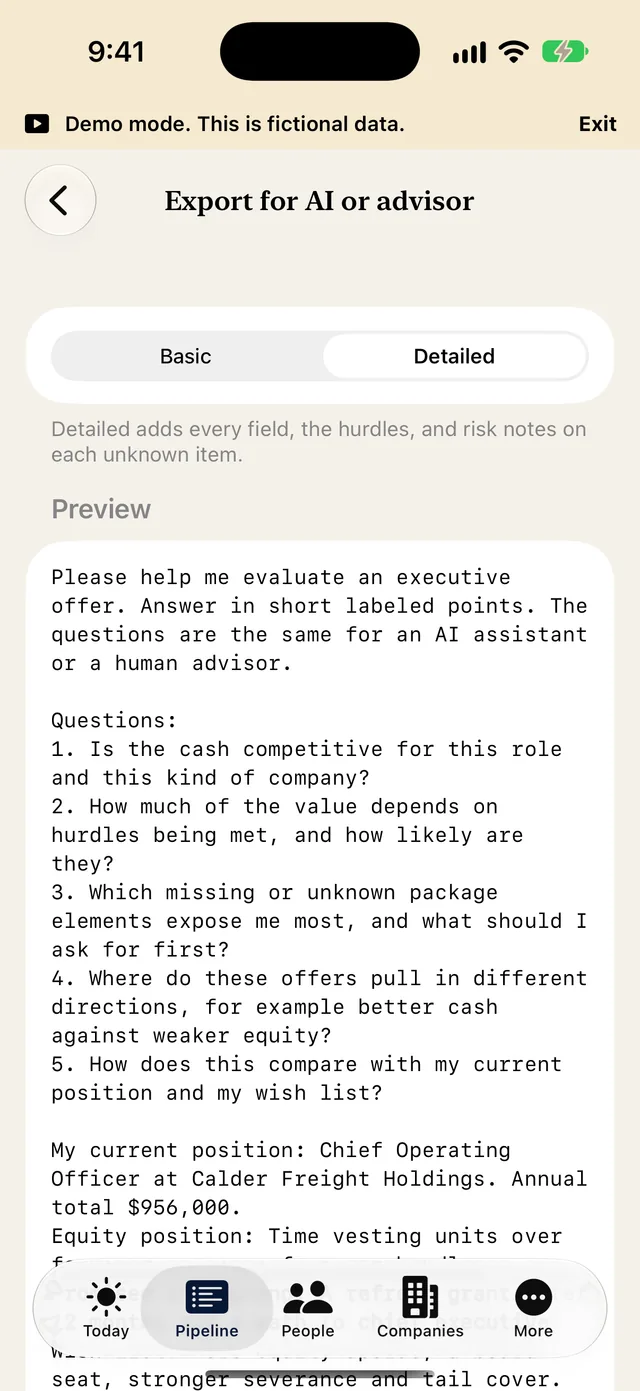
Basic exports are free. Detailed exports are Premium.
One zip with a folder for each opportunity. Compensation is left out unless you switch it on.
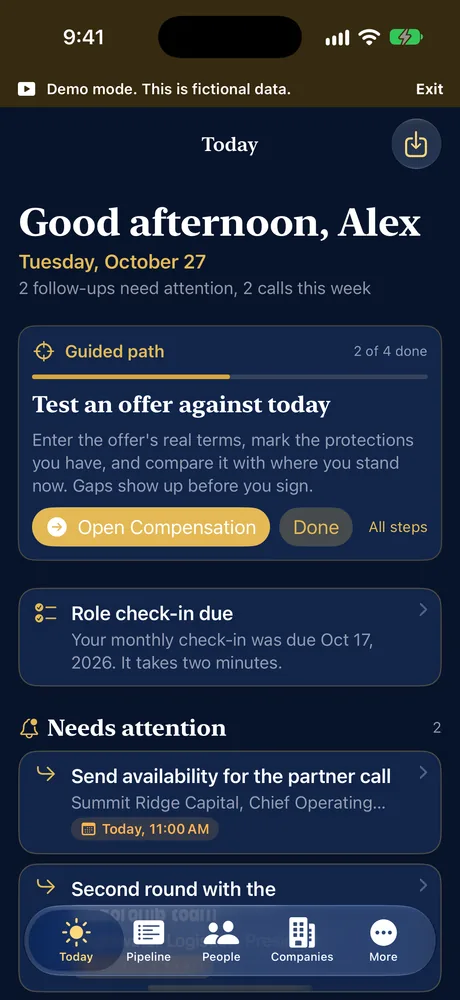
A full dark look for evening reading. Choose Night, Day or follow the system in Settings.
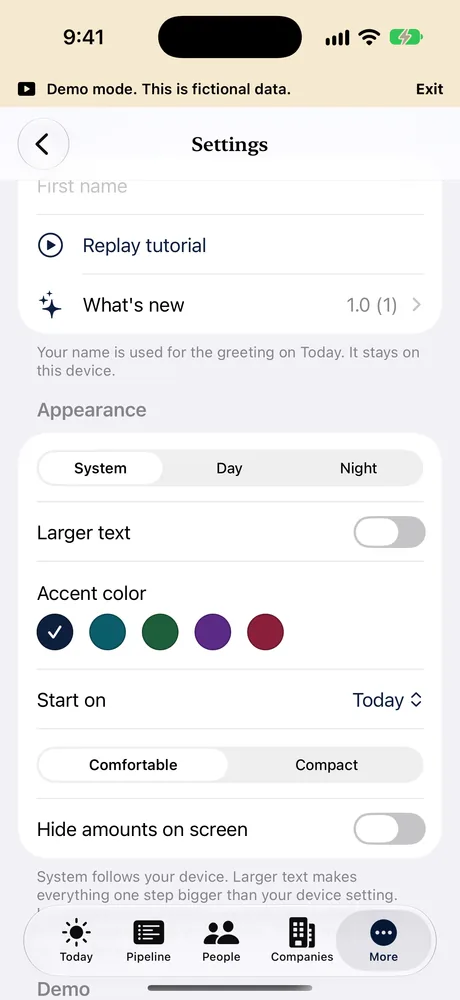
System, Day or Night. Larger text, accent colors, compact lists and a switch to hide amounts.
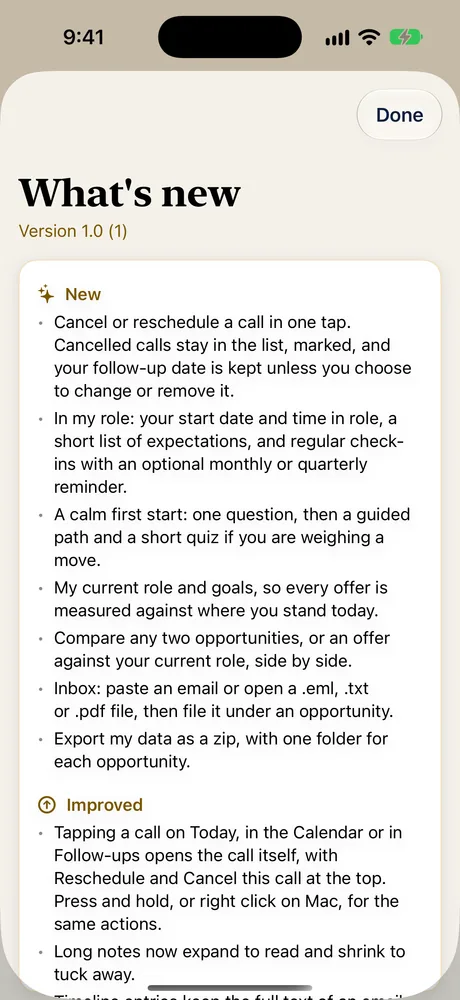
A plain list of what changed in each version, inside the app.

Standard covers the core flow. Advanced adds deeper analysis. It is a display setting, not a plan.

Pick where you are and the app shows the next step.
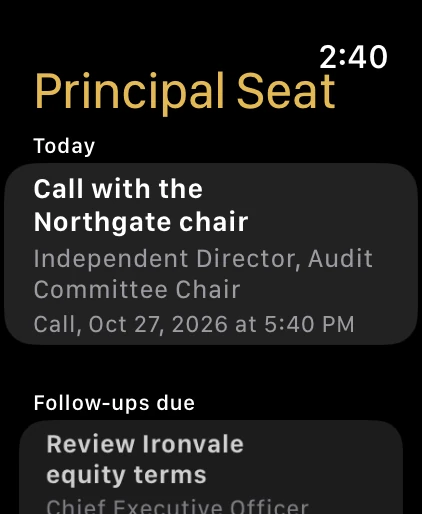
Your next call and follow-ups on your wrist.
Coming to Mac as well, with its own windows for any section. Not yet available. See the Mac screenshots.
Any sidebar section can open in its own window. Keep Today in one, the Calendar in another and an opportunity in a third.
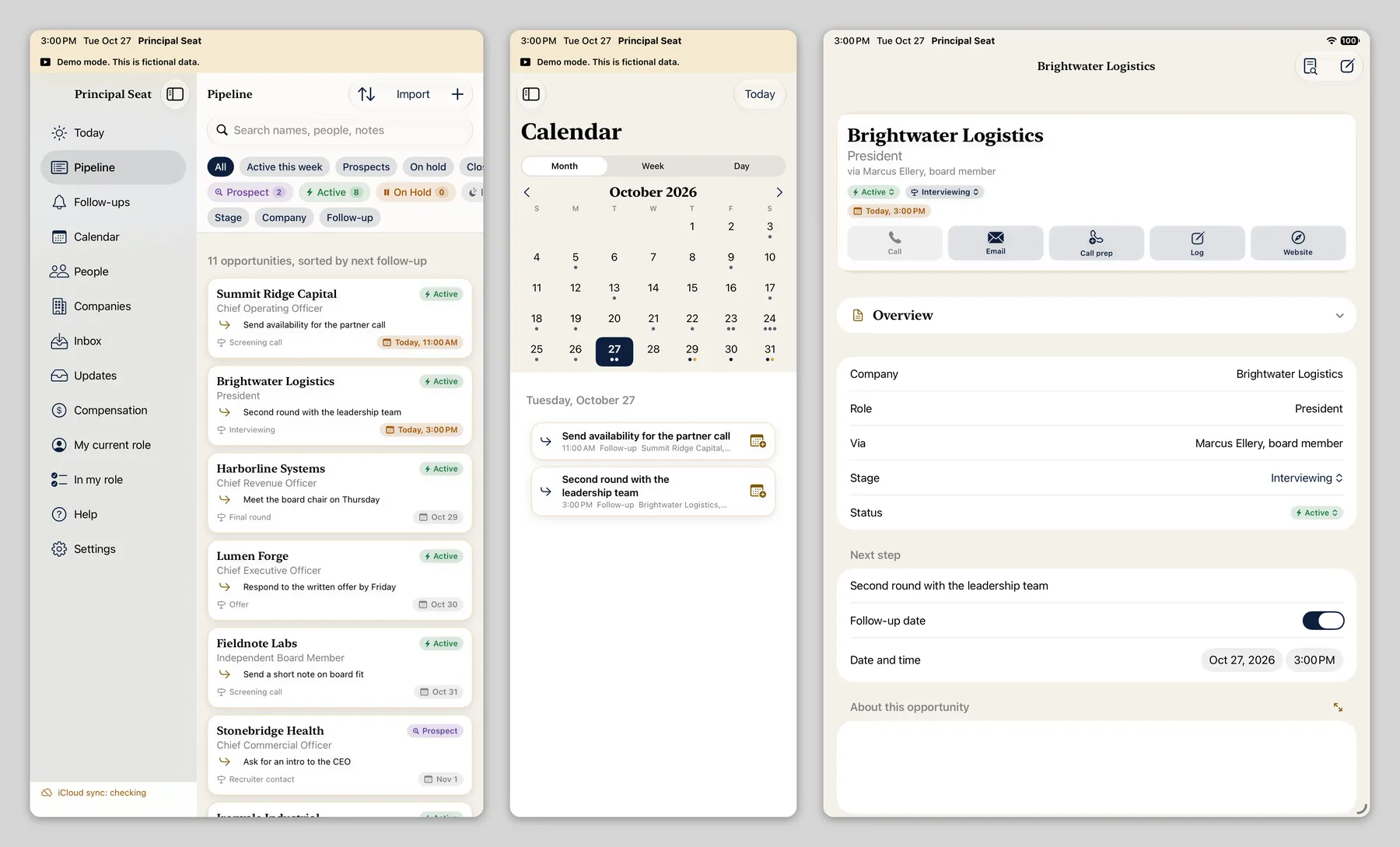
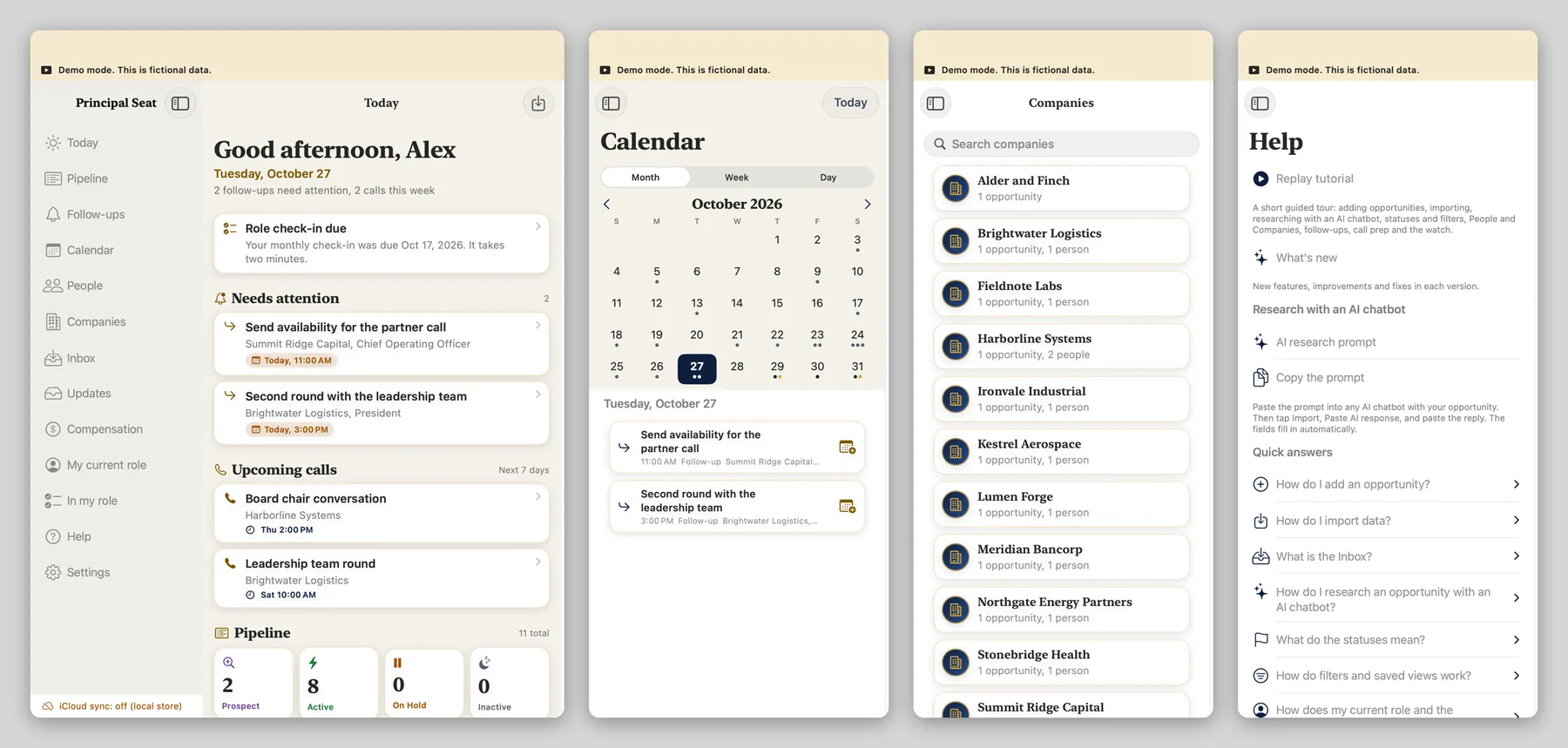
All screenshots use fictional demo data.
You can, and plenty of people do. For a handful of roles a sheet is fine. It gets harder when the moves are bigger and last months.
Two short films, recorded from the app with fictional demo data.